
The user can delete the complete calls history, an individual call or several.
By default, the record of a missed and answered call is automatically deleted from the list 31 days after the call is made.
To delete an individual call record:
-
On the Calls history tab, tap the context menu icon (⋮) of the call record to be deleted.
-
From the opened tab, select Delete.
-
In the confirmation dialogue, confirm the action by Delete. To cancel the action, tap Cancel.
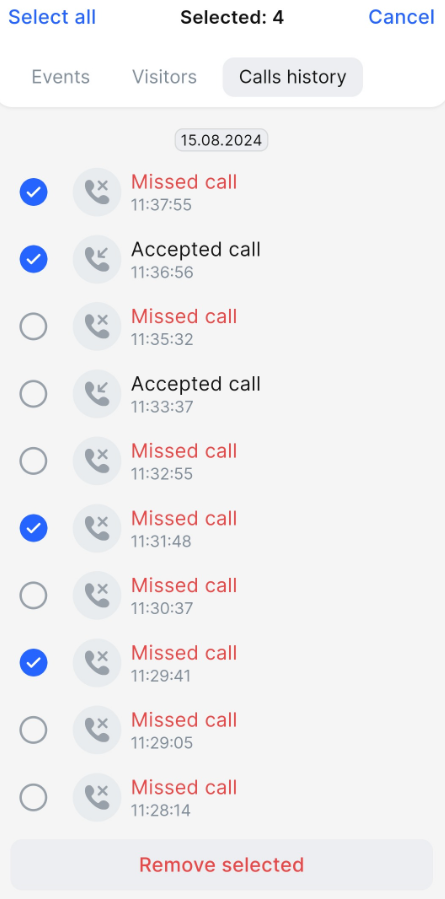
To delete the complete calls history or several call records:
-
On the Calls history tab, choose the Delete icon at the top right.
-
To select all records in the list, tap Select all. To select individual records, tap relevant checkboxes.
-
Tap Remove selected.
-
In the confirmation dialogue, confirm the action by Delete. To cancel the action, tap Cancel.