To log in to the User Portal Manager, enter the system address in your browser. As a result, an authorization form will be displayed.
.png?cb=4fe0ee0beb4ed5beba13688713b427e1)
Enter your login and password.
Select the Remember me checkbox for the system to remember your credentials.
Select Log in. As a result, you navigate to the main page of the system.
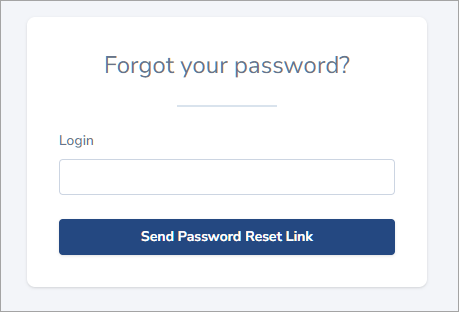
To reset a forgotten password, select Forgot your password? On the opened panel, complete your login and select Send Password Reset Link.
As a result, you’ll receive a link to reset a password to the specified email.