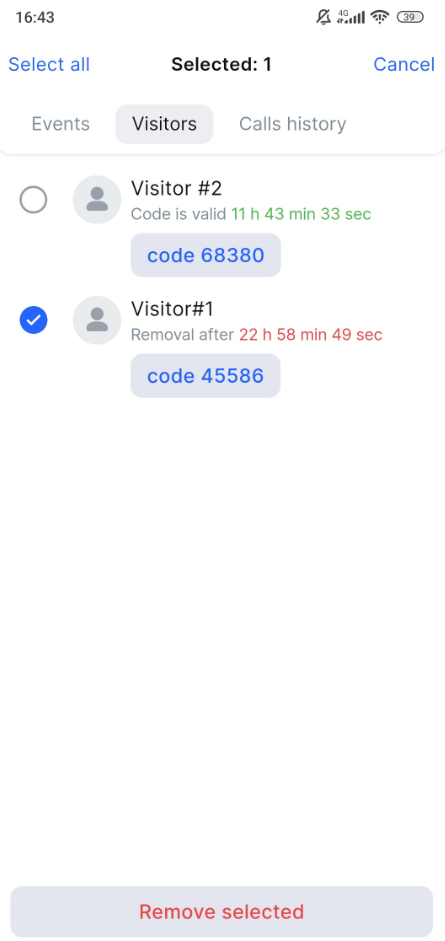
You can delete an individual, multiple, and all users simultaneously from the Visitors tab.
The visitor is deleted 24 hours after their code becomes invalid.
You will receive a notification on your mobile device 24 hours before the visitor is removed
To delete an individual visitor, follow the steps:
-
Tap the context menu icon (⋮) of the relevant visitor.
-
From opened menu, tap Delete visitor.
-
In the confirmation dialogue, confirm the action with Delete. To cancel the action, tap Cancel.
To delete an individual or all visitors, follow the steps:
-
On the Visitors tab, select the Delete icon.
-
To select all the visitors in the list, tap Select all. To select individual visitors, tap the relevant checkboxes.
-
Tap Remove selected.
-
In the confirmation dialogue, confirm the action with Delete. To cancel the action, tap Cancel.