
Set up the Telegram message in reaction to an event, follow these steps:
-
Select the corresponding button:
-
Enter the reaction name.
-
Select the user to receive the reaction.
-
Specify the bot token. Refer to Steps to create a bot on Telegram and obtain a token (below).
-
Provide the Chat ID. Refer to Steps to obtain the Chat ID (below).
-
Schedule the reaction.
-
Choose the reaction status (active/inactive).
-
Select the Save button.
-
Steps to create a bot on Telegram and obtain a token
-
Open Telegram.
-
Enter @BotFather in the search bar, select the account, and Start.
-
Enter the /newbot command.
-
Enter the name for your bot (it can be any name).
-
Enter the username following this example: «name_bot» (once the name is provided, make sure to add «_bot» at the end).
-
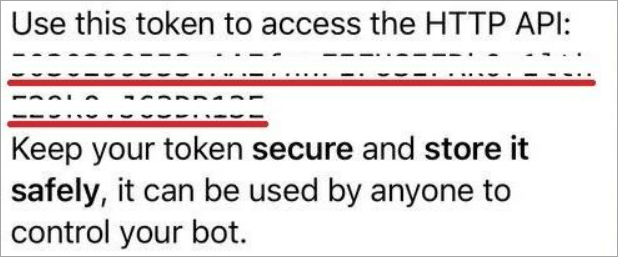
You will receive a message with a link to your created bot and the bot token.
Steps to obtain the Chat ID
-
Once you receive the message with the link to your created bot, select Start.
-
In your browser, enter the following request: https://api.telegram.org/botXXXXXXXXX:YYYYYYY-YYYYYYYYYYYYYYYYY_YY/getUpdates, where XXXXXXXXX:YYYYYYY-YYYYYYYYYYYYYYYYY_YY represents the bot token.
-
Send any message to the bot in Telegram.
-
Refresh the page with the request in your browser.
-
Copy the Chat ID. See Example of obtaining the Chat ID.


.png?cb=11a35d8d8d4ff5385c0cb93a23b54bc9)