
To use the web interface, you need to log in.
To do this, in the browser search bar, enter the address: http://<IP-orchestrator-server>/analytics/.
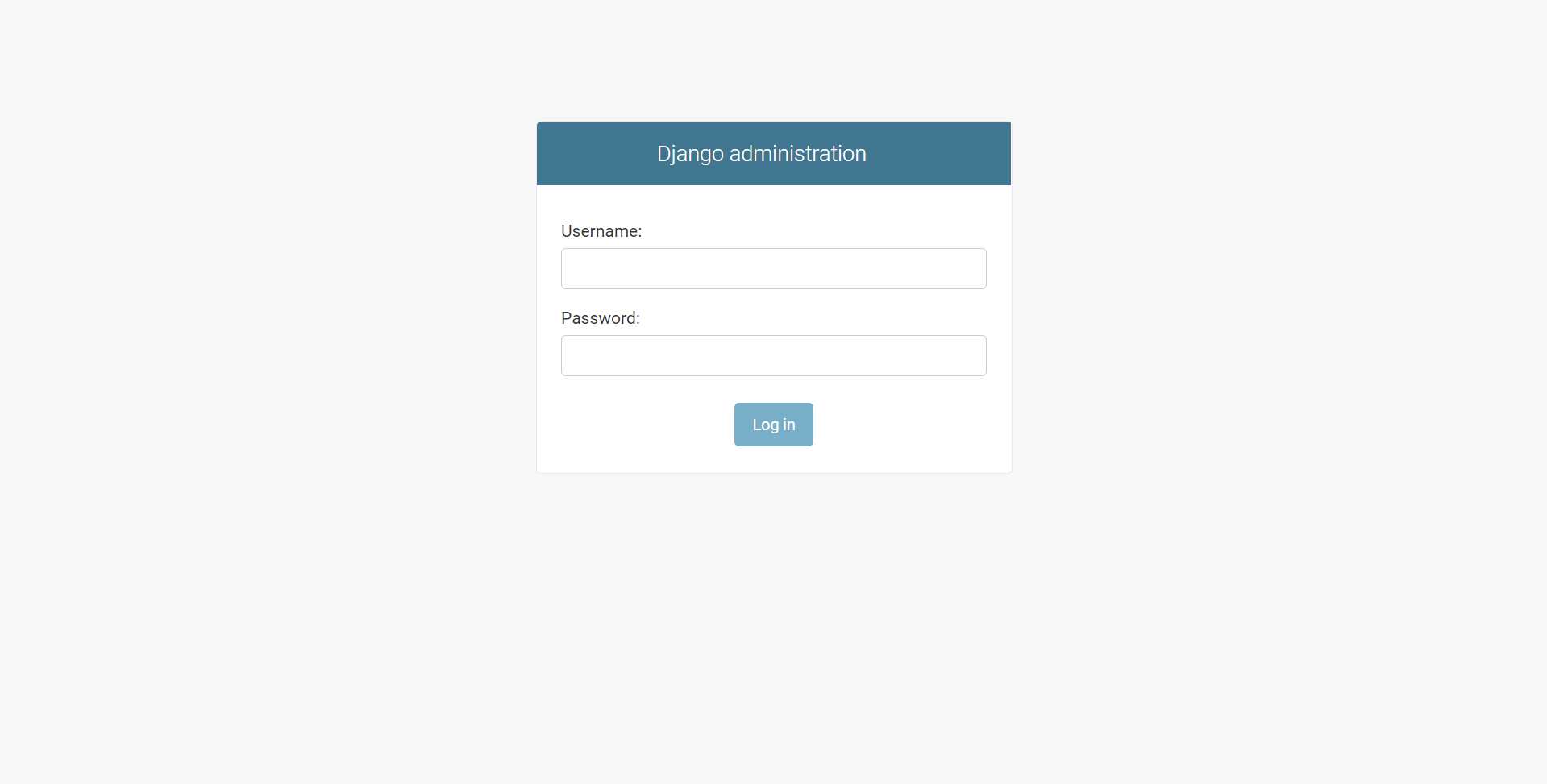
Enter your login and password and Log in.
Settings in the administrator web interface are divided into sections:
-
Case types
-
Collections
-
Executable instances
-
Images
-
License plate collections
-
License plates
-
Servers
-
Streams