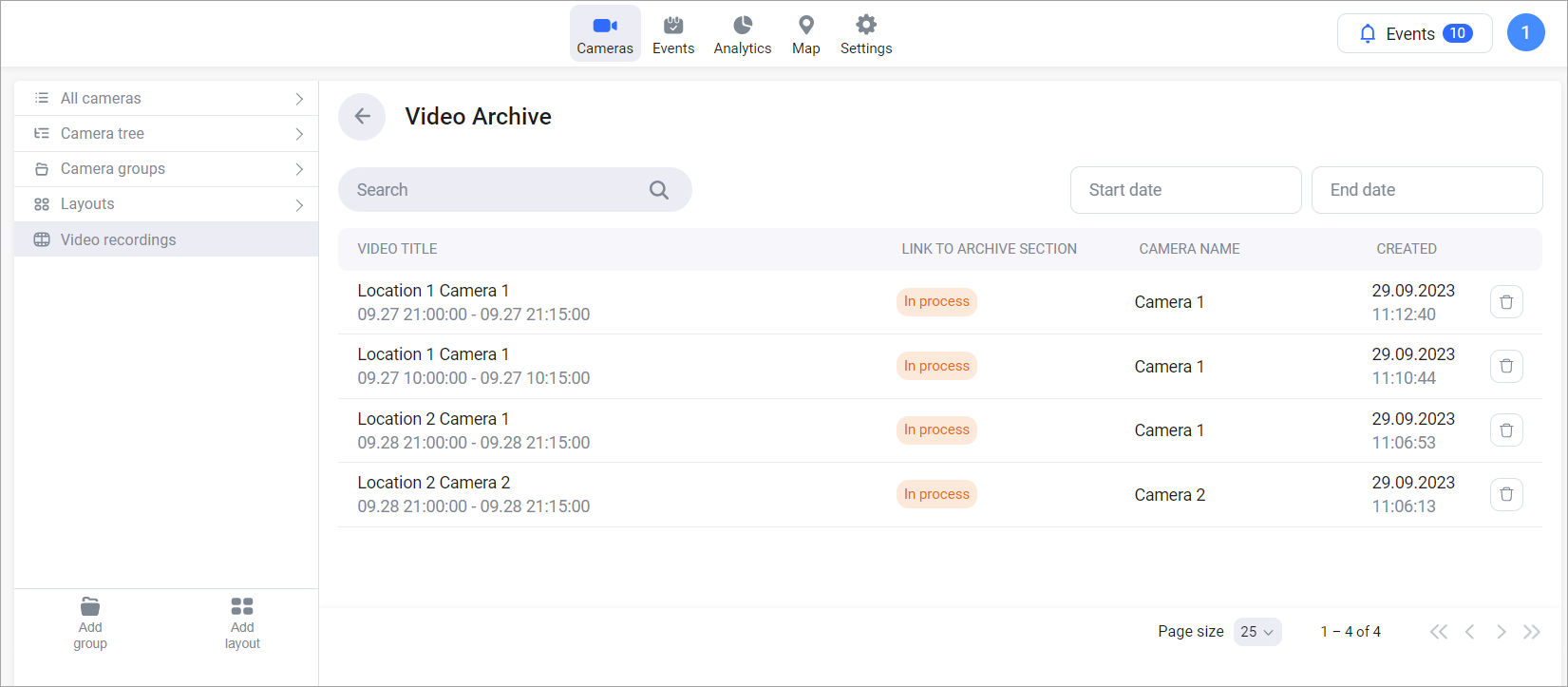
The Video recording section lists all archive segments downloaded by the user.
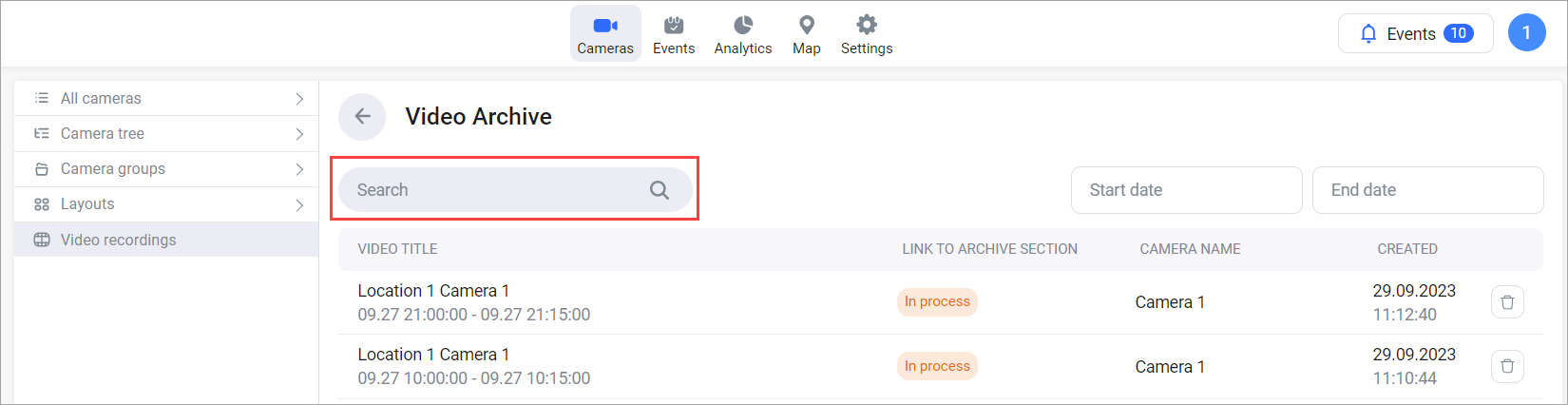
Use the Search field to search by camera name for a relevant downloaded segment.
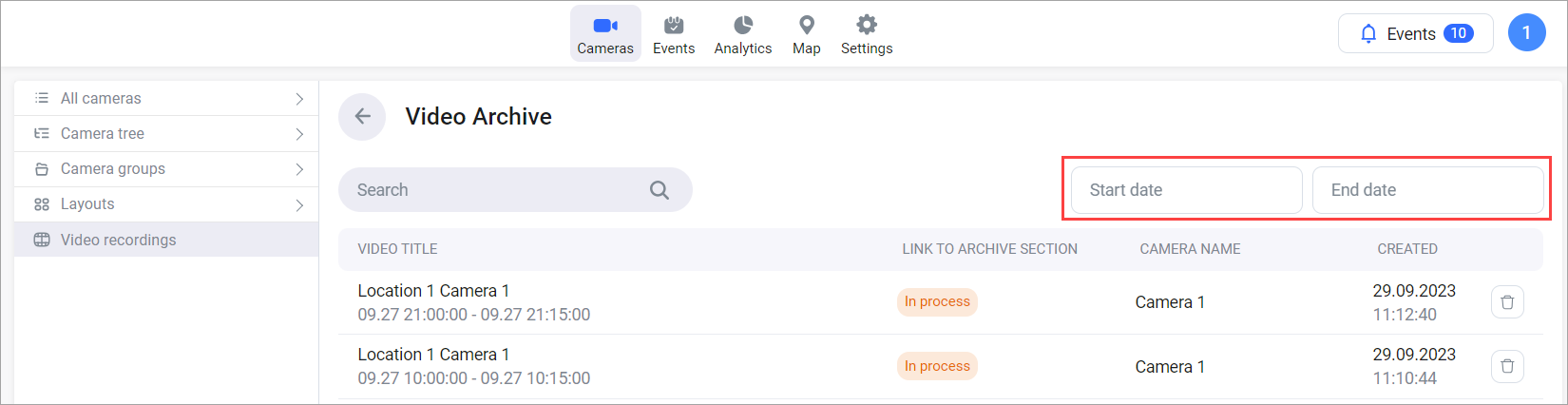
You can filter downloaded segments by creation date.
The video recording title includes a camera address and a camera name.
The Link to archive section column indicates the recording status:
-
Download – the archive is generated and ready for downloading.
-
In process – the archive is in the process of generation.
-
Unavailable – the archive was deleted.
To download a file, select Download.
Files are retained for 240 minutes after creation and then automatically deleted. When storage utilization exceeds 80%, the five oldest archived files are automatically deleted.
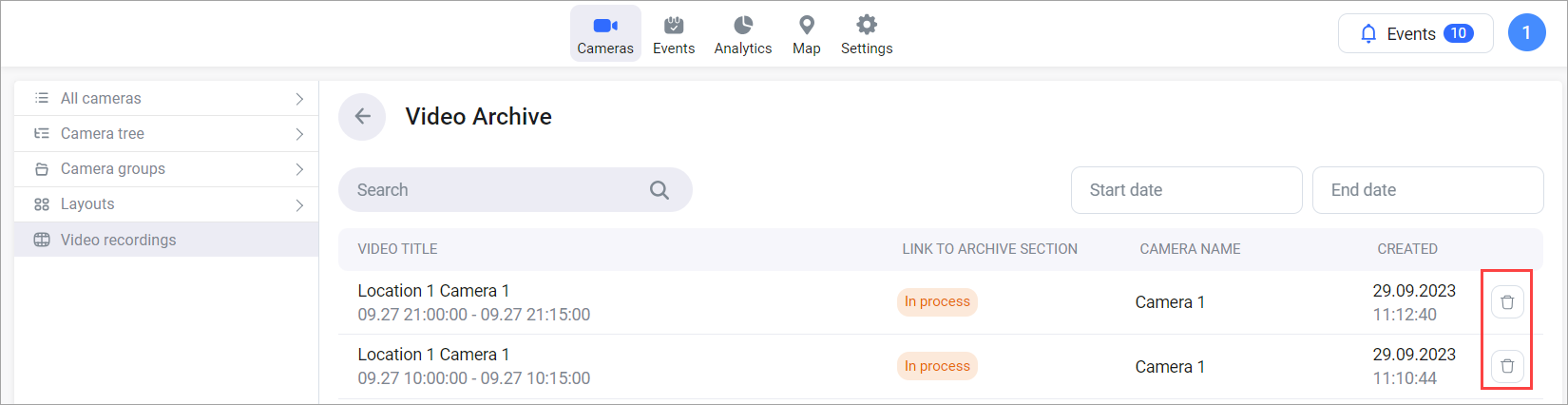
To delete a recording, select the Delete button and confirm the deletion.