To delete a DHCP server, follow the steps:
-
Select a relevant server from the table.
-
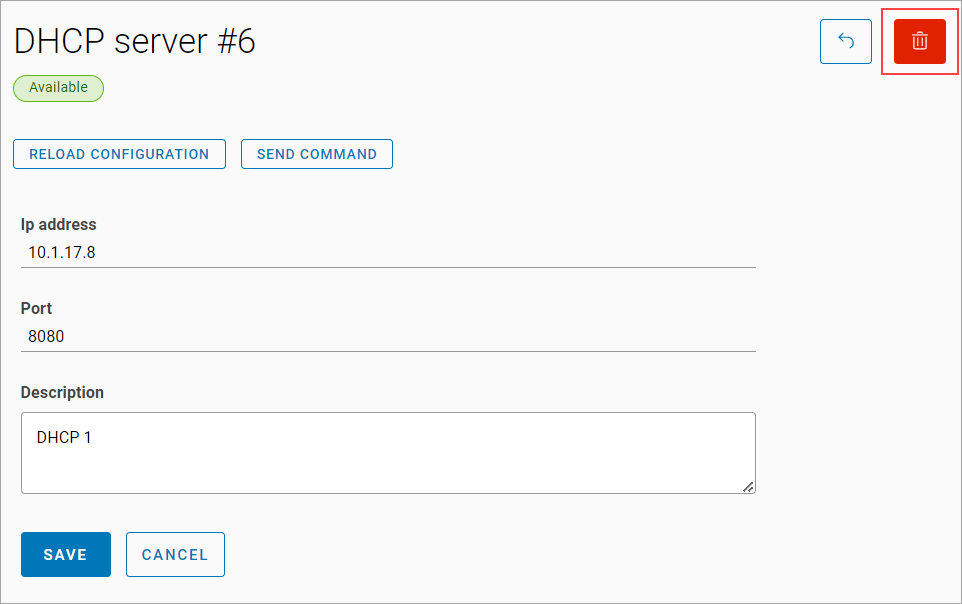
On the opened DHCP server window, select the Delete button.
-
Confirm the deletion.

To delete a DHCP server, follow the steps:
Select a relevant server from the table.
On the opened DHCP server window, select the Delete button.
Confirm the deletion.