
To view and edit a DHCP subnet group, select a relevant one in the table.
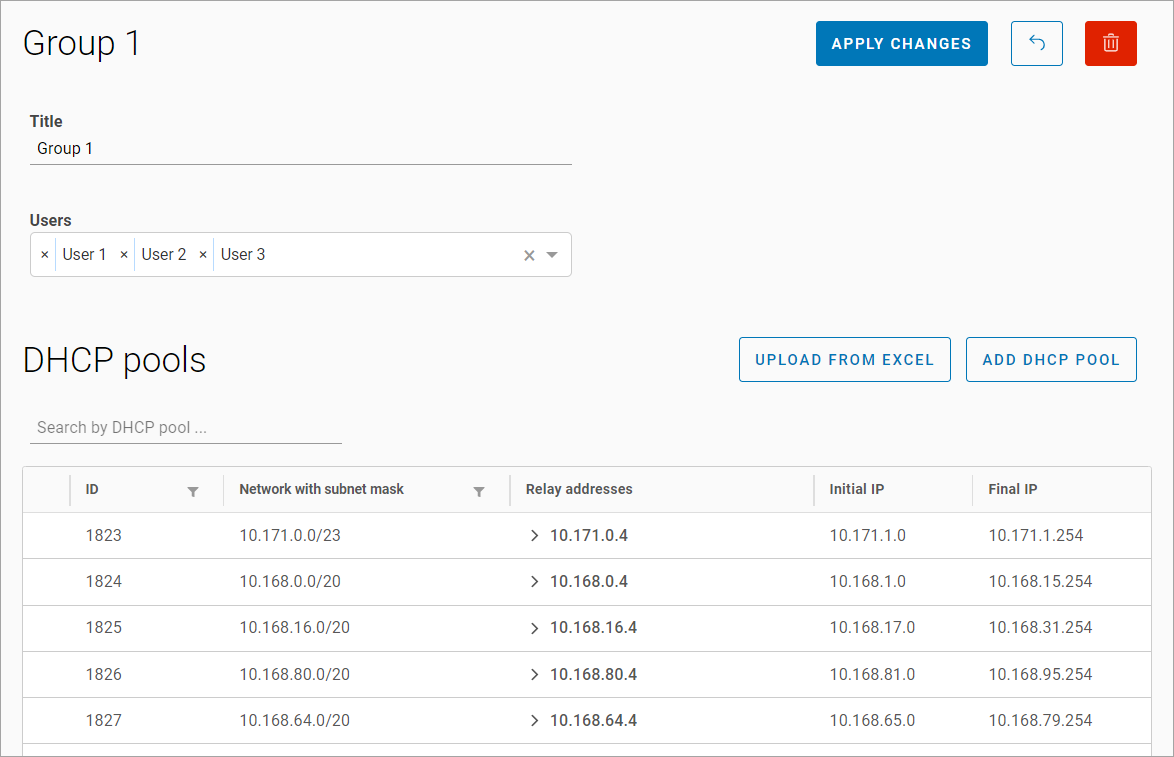
On the opened page, you can find the information about the selected DHCP subnet group.
On the page, you can perform the following actions:
-
Change the group name.
-
Modify the list of administrators who can access this group.
-
Add DHCP pools to the group.
-
Delete the group.
A search function allows you to find specific DHCP pools within the added list
The subsection pages: