
To view and edit a media server cluster, select a relevant cluster from the table.
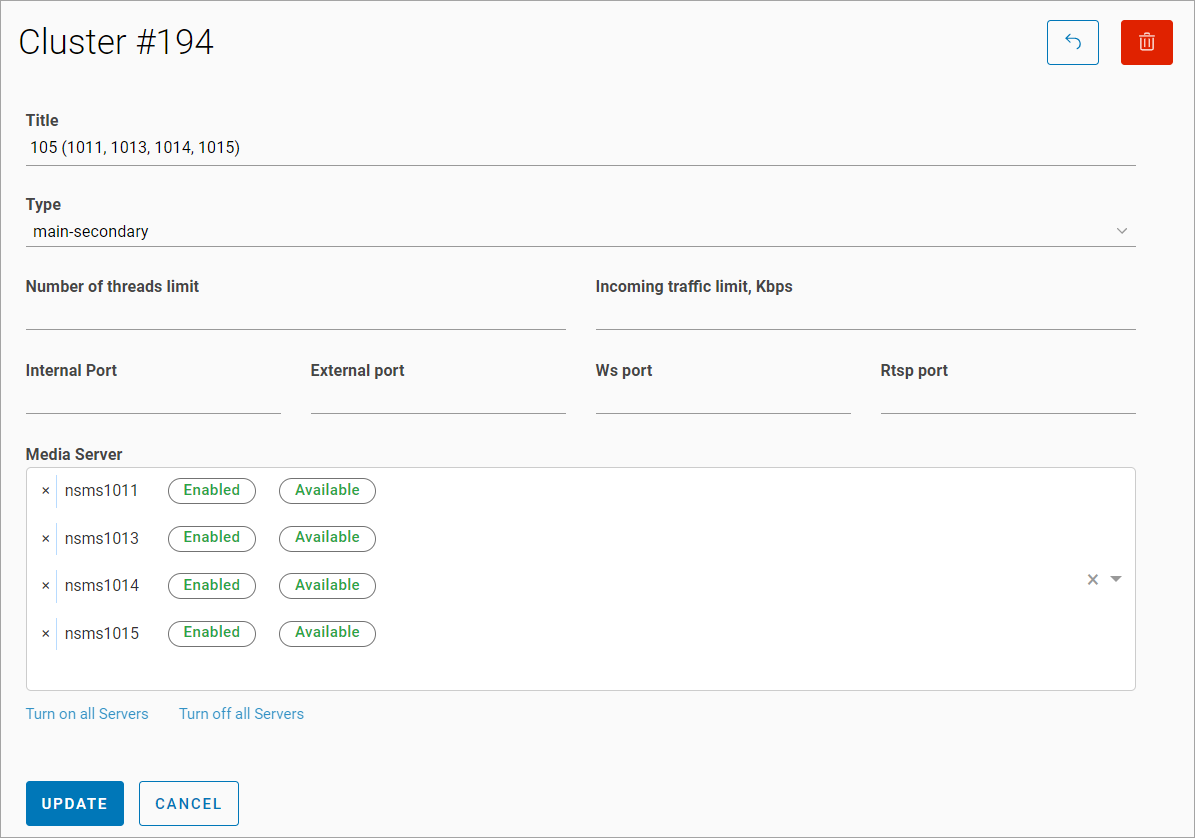
The following can be edited:
-
A cluster name.
-
A type.
-
The following media server settings: Number of threads limit, incoming traffic limit (Kbps), an internal port, an external port, a WS port, an RTSP port, a public port of the media server.
-
A list of media servers included in the cluster.
-
Enabling or disabling distribution for all media servers.
Select Update to save the changes.