
On the Bridge tab, the user can view the list of available bridges with the following details:
-
A bridge name.
-
A bridge status.
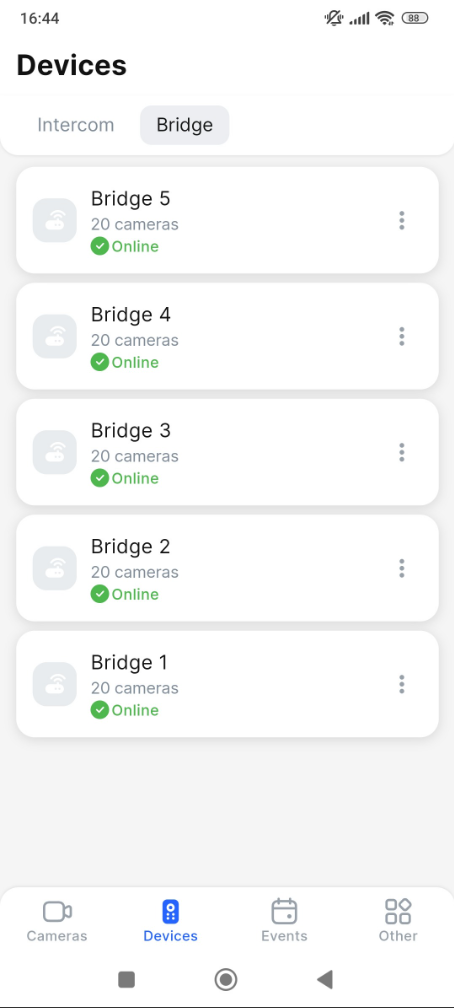
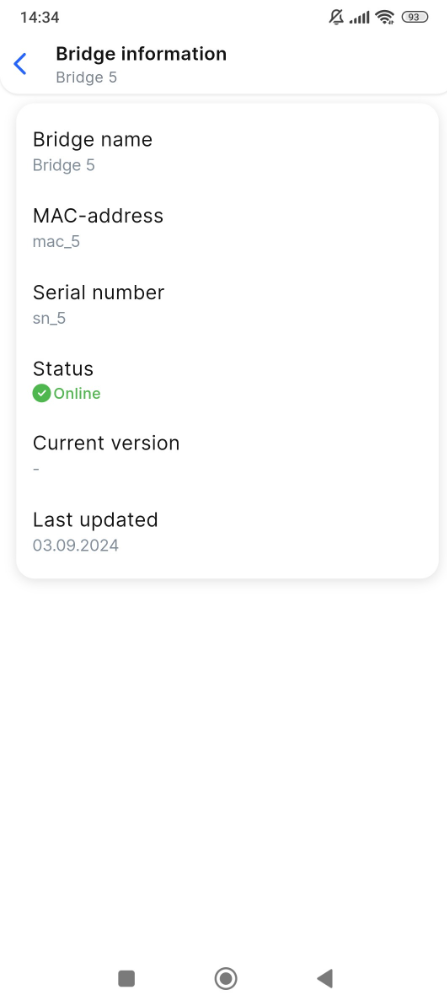
To view the bridge details, tap the context menu icon (⋮) for this bridge. From the opened menu, select Bridge information. This opens the tab with the following details:
-
A bridge name.
-
A bridge MAC address.
-
A bridge serial number.
-
A bridge network status – online or offline.
-
A current bridge software version.
-
The last update date of the bridge.