
To edit resources, select the relevant resource group. You can perform the following actions while editing a resource group:
-
Rename a resource group.
-
Move resources from one group to another.
-
Copy resources from one group to another.
-
Delete resources.
-
Edit the resource details (a name, a full name, an image, a phone number, a status, notes).
-
Observe the resources in either a tile or a list layout.
Rename a resource group
To change the name of a resource group, follow the steps:
-
In the Analytics resource table, select the group. This opens the list of the resources of the current group.
-
On the opened page, select the horizontal ellipses icon (…) to call out the Rename action.
-
Rename the resource group and Save the changes.

Edit a resource
To edit a resource in a resource group:
-
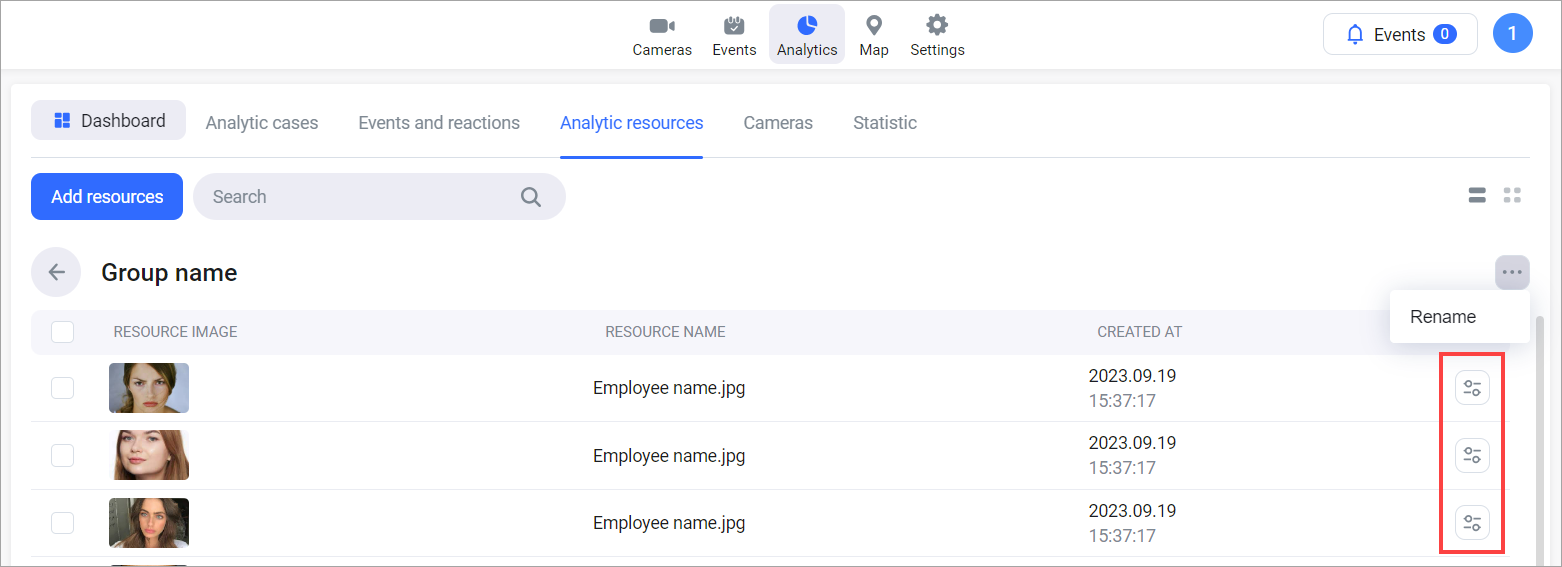
Select the Edit button of a relevant resource.
-
As a result, the data editing form will be displayed. The set of editable data depends on the type of resource.
For resources of the Faces type, you can edit the following details:
.png?cb=9236177339920abebc498459b86d1510)
-
An image
-
A resource name
-
A full name
-
A user’s status
-
Main and secondary phone numbers
-
Notes
You can add only one image to a resource.
To add several images of one person, create separate resources for each image.
-
The updated data will be applicable only to new events.
-
The occurred events keep the data unchanged.
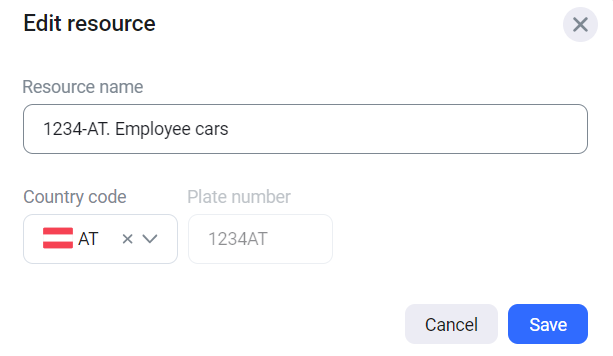
For resources of the License plates type, you can edit the following details:
-
A resource name.
-
A country code.
-
Select Save to save changes.
Transfer resources
To transfer resources from one group to another:
-
Select the checkboxes of the resources to transfer and select Transfer.
-
On the opened panel, select a group to transfer the selected resources into. The list of groups contains the existing resource groups.
-
Confirm the action.

Copy resources
To copy resources from a group to another group, follow the steps:
-
Select the checkboxes of the resources to copy and select Copy.
-
On the opened panel, select a group to copy the selected resources into. The list of groups contains the existing resource groups.
-
Confirm the action.
.png?cb=ae95b1300a150768d9d45c080894ba22)
Delete resources
To delete a resource for a group, follow the steps:
-
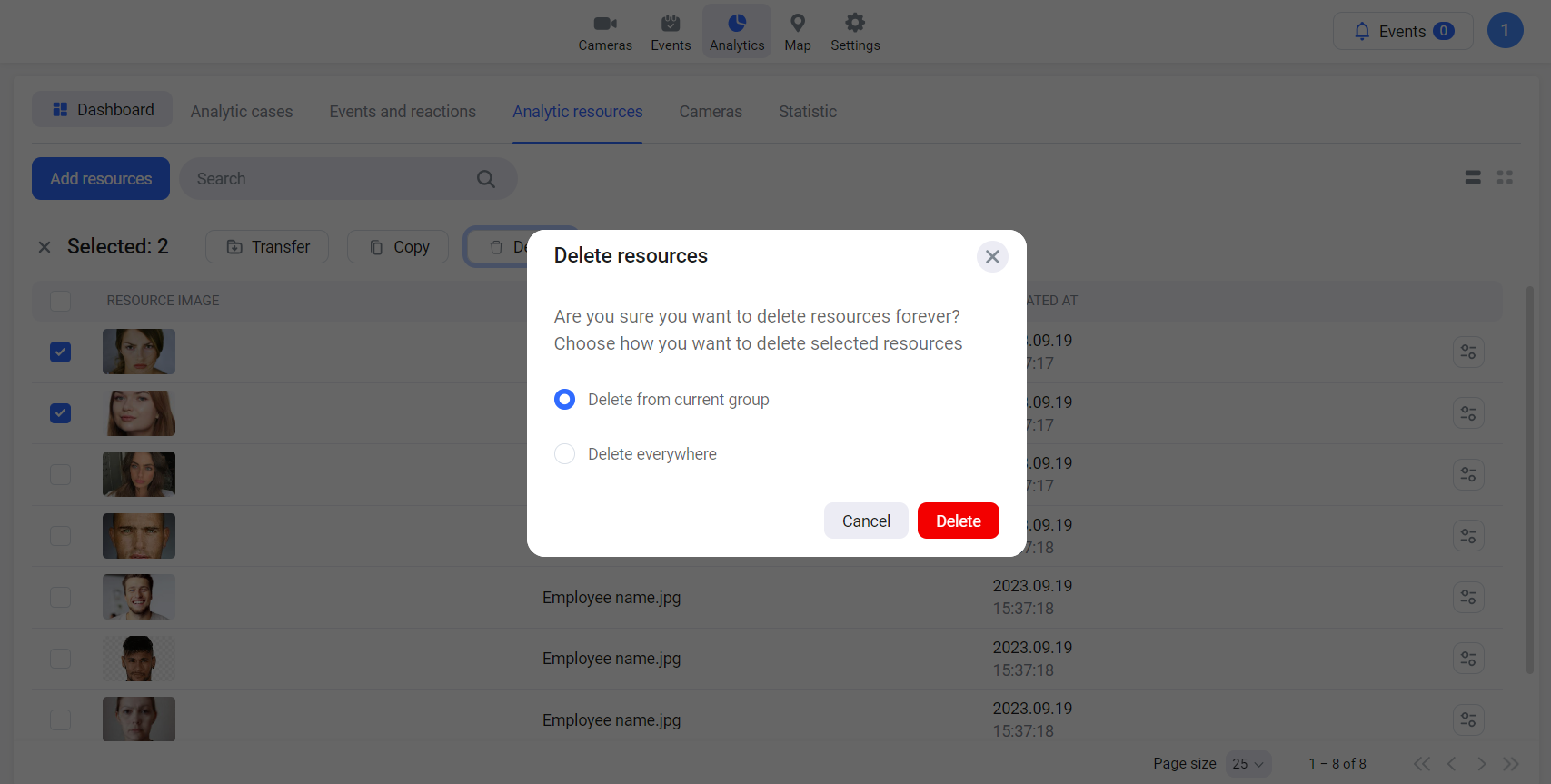
Select the resource to delete for a resource group.
-
On the opened panel, select the option to delete:
-
Only from the current group
-
From all groups to which the resource was added/copied.
-
Select Delete.
If an analytics resource is deleted, the image in the connected event remains available within the next 30 days.
Use the Search field to search for a resource.