
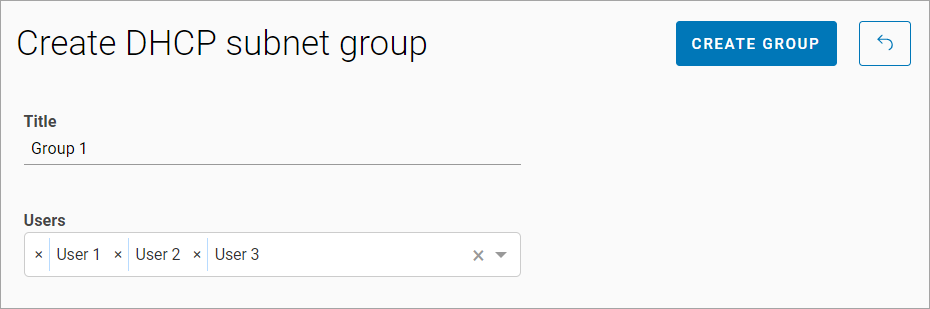
To add a new DHCP subnet group, follow the steps:
-
Select the Add group button.
-
Enter a group name*.
-
Add one or more administrators.
-
Select Create group.
*The field is required.
You can also assign an administrator in the administrator's profile on the DHCP group tab (see the Administrators section).
Next, you need to add DHCP pools to the group. For details,see the View and edit a DHCP subnet group section.