Method 1. Deleting a specific server through the editing window
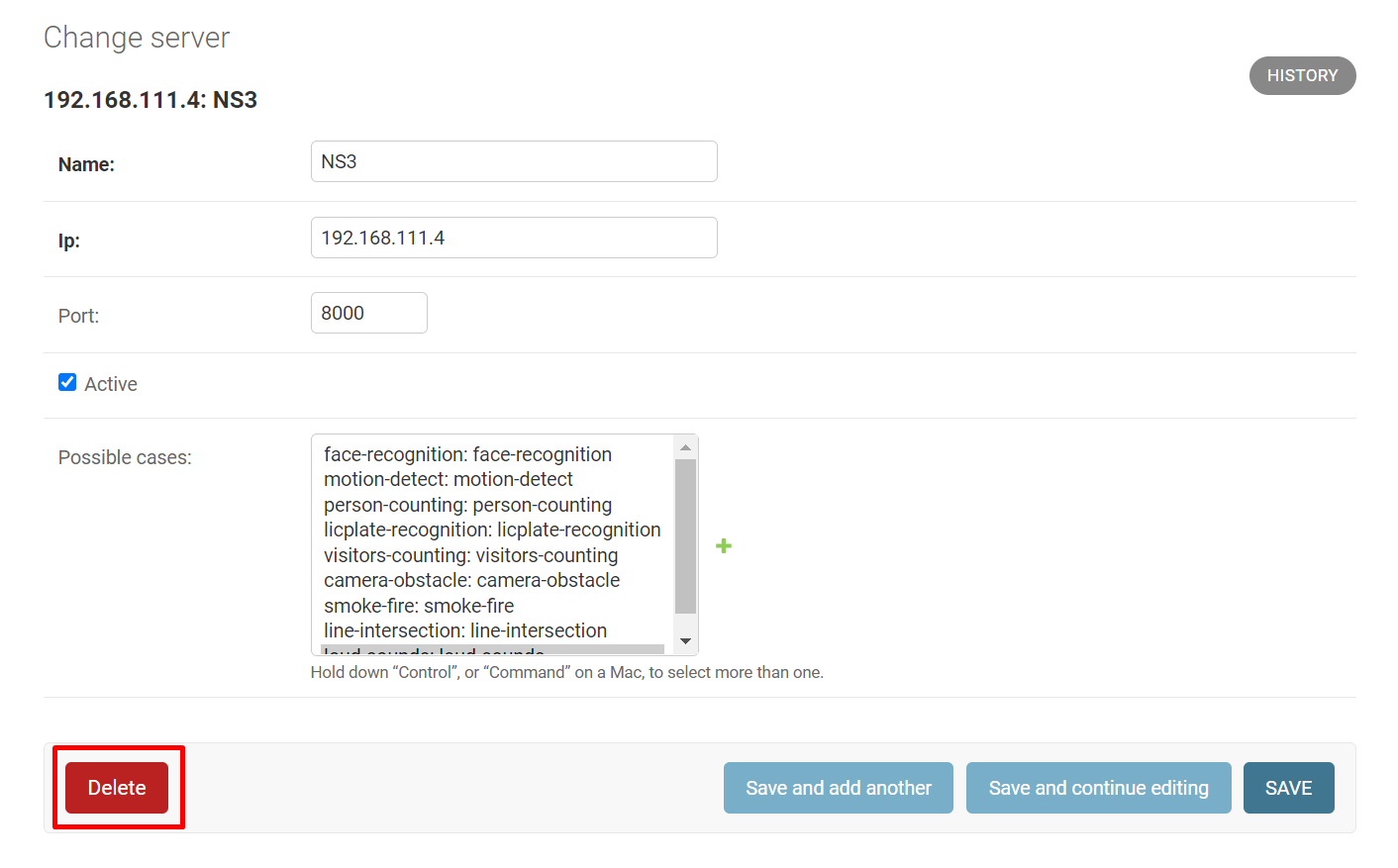
To delete a server, go to the «Servers» section, click on the desired server, and click «Delete».
Method 2. Deleting one or more servers
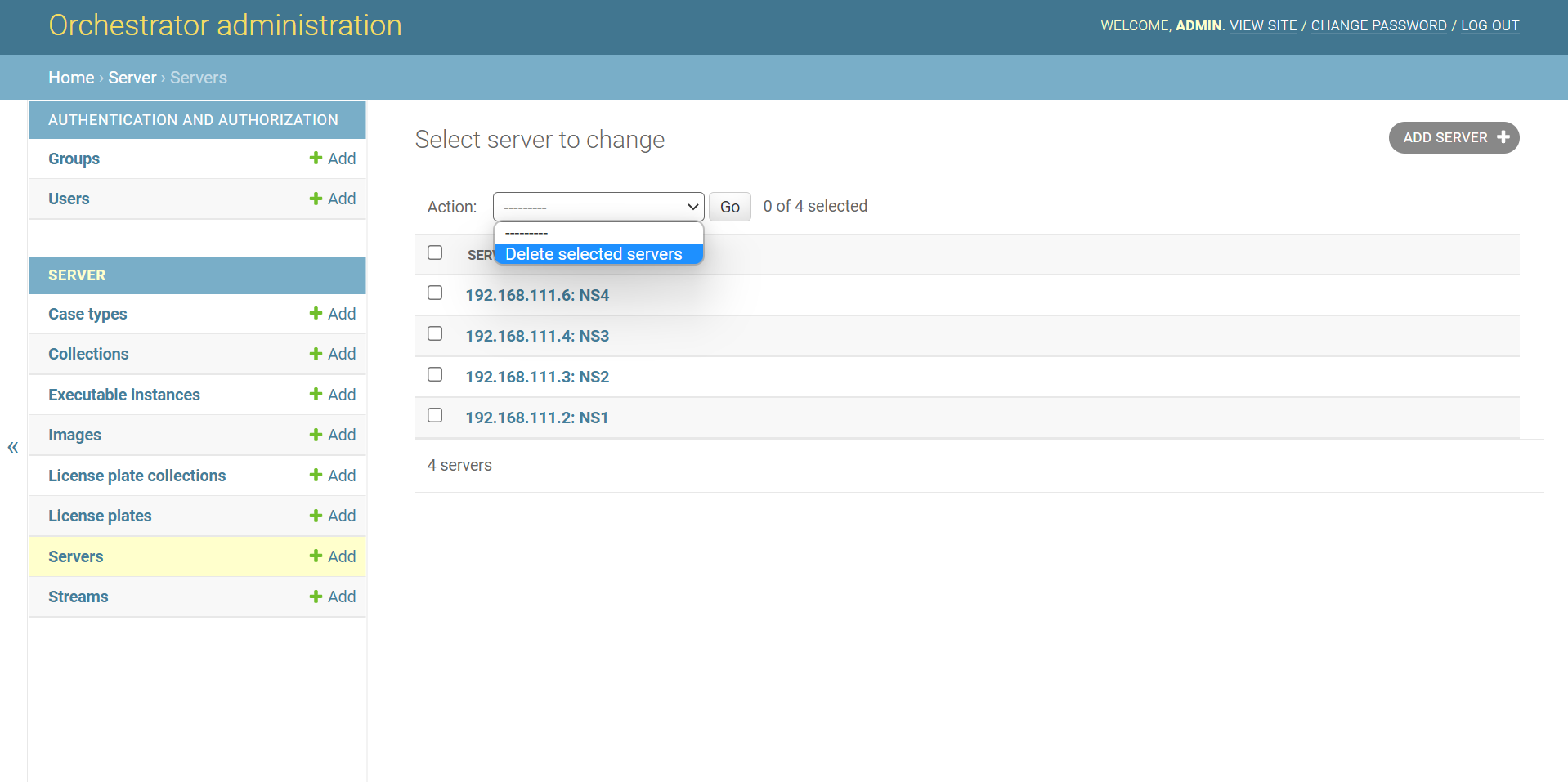
Step 1. Selecting an action from the drop-down list:
-
Open the «Servers» page
-
Click on the drop-down list
-
Select «Delete selected case types»
Step 2. Deleting the selected servers:
-
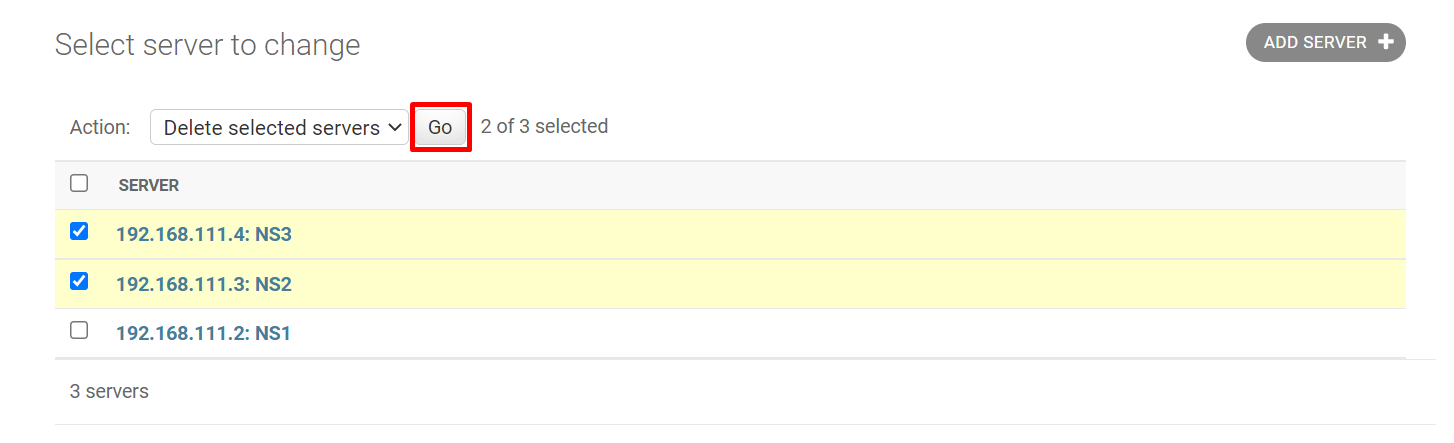
Check the box to the left of the server name. If necessary, check several servers in this way
-
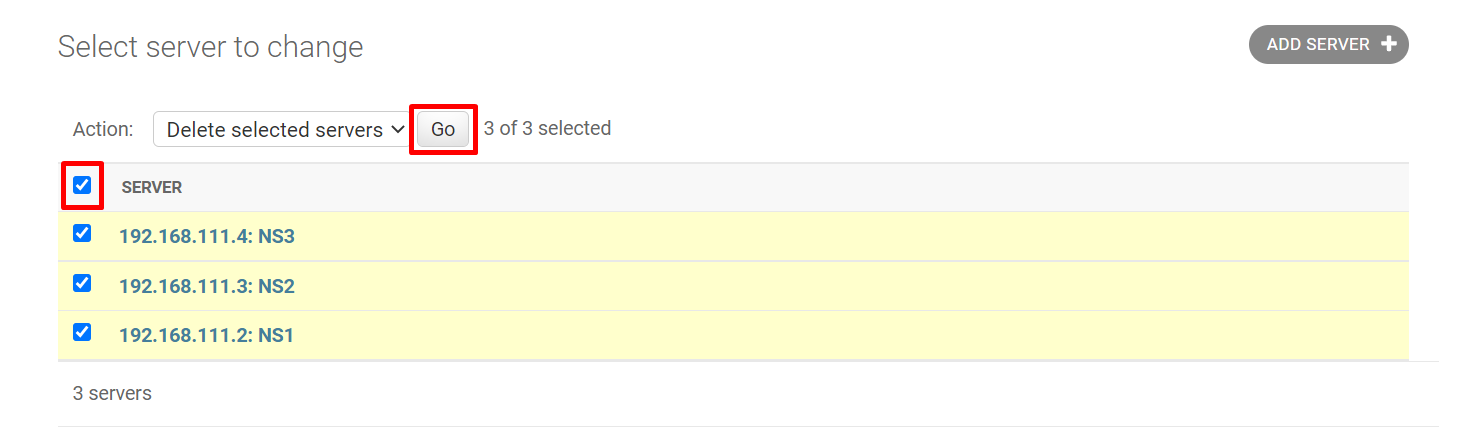
If you need to delete all servers, click on the box to the left of «Server»
-
-
Click «Go»