
The following additional actions are available when viewing a configuration template card:
-
View the list of cameras currently utilizing the template.
-
Apply the template to a specific camera.
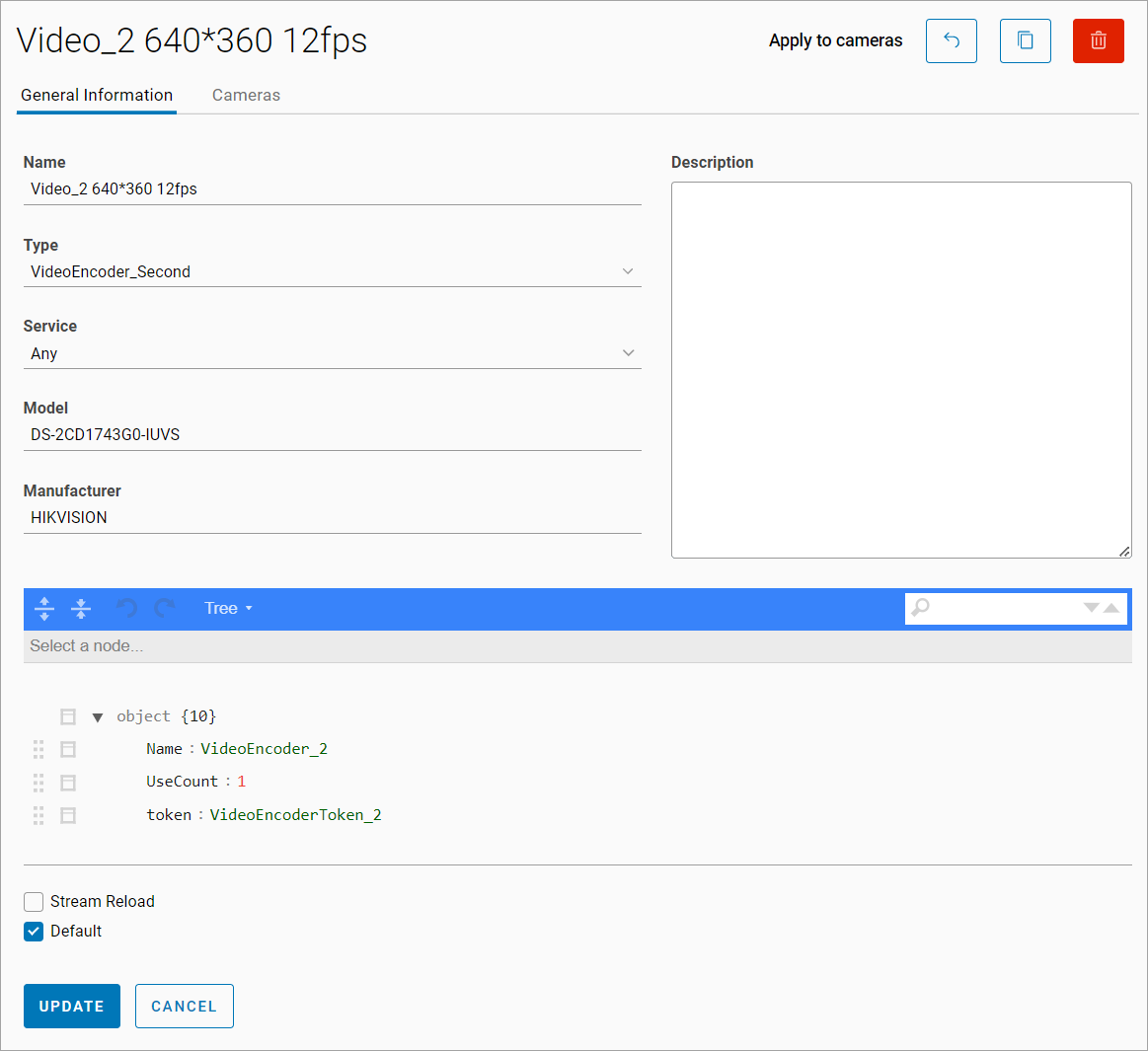
To apply the template to a camera:
-
Select Apply to cameras.
-
Use the filtering options to select the cameras:
-
By model
-
By manufacturer
-
By service
-
By tags
-
-
If required, use the search option:
-
By camera name
-
By IP address
-
By UUID
-
Address
.png?cb=cad57313b2f30d253f8440d4622f6e9d)
-
Select Next.
To view the cameras associated with this particular template, navigate to the Cameras tab.

Selecting a row will navigate to the camera settings.