
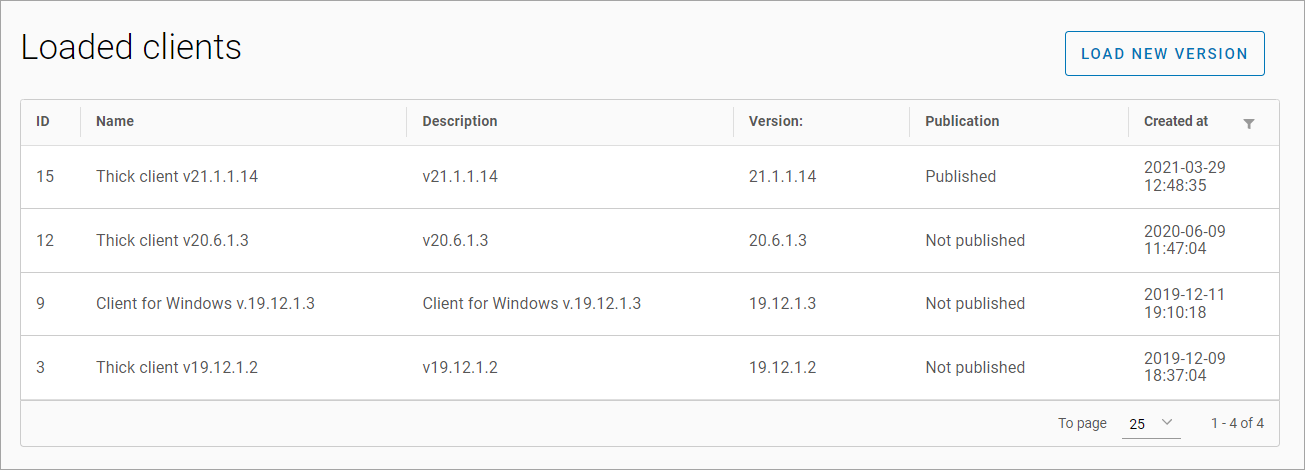
The Client Versions > Loaded clients stores software versions that are available for download on the client's website
Upload a new version
To upload a new version, select Load new version. In the opened window, enter the following details:
-
A name*.
-
A description*.
-
A major version*.
-
A minor version*.
-
An audit number*.
-
A build number*.
-
If necessary, select the Published checkbox*.
-
Attach the installation file*.
Select Load.
-
The maximum size of an uploaded file is 150 MB.
-
*The field is required
Failure to upload the installation file will result in a corresponding notification.
Once changes are saved, the download link for the file is automatically generated.
View and edit
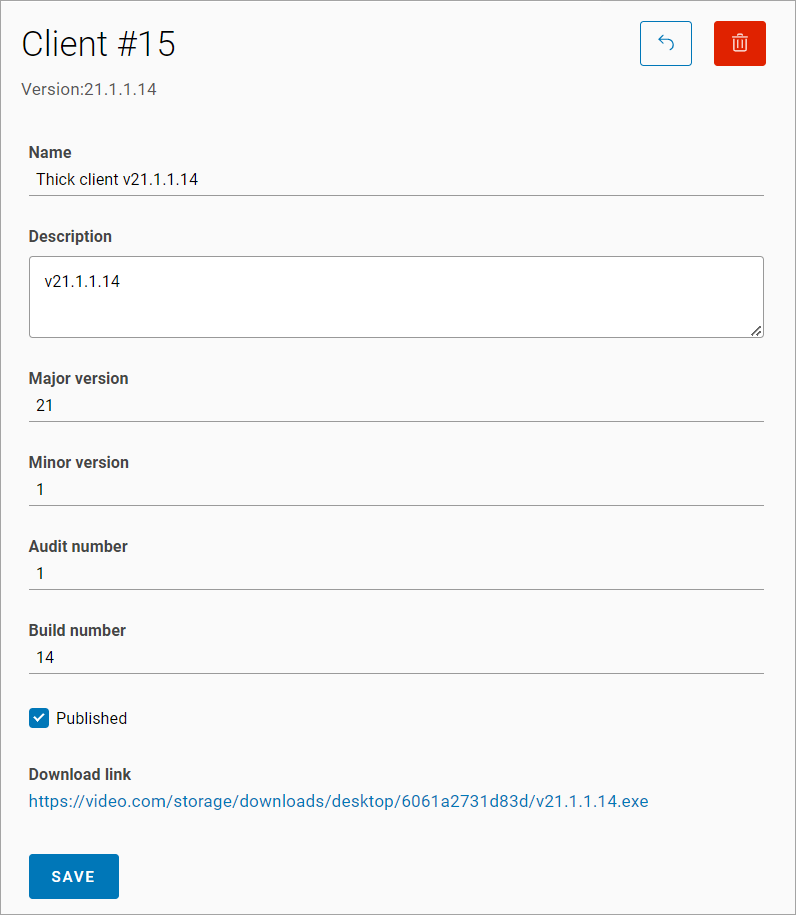
To view a specific version, select a relevant line with the version.
The following fields are available for editing:
-
Name
-
Description
-
The Published checkbox
Delete an uploaded client
-
Select a relevant client in the table.
-
Select the Delete button.
-
Confirm the deletion.