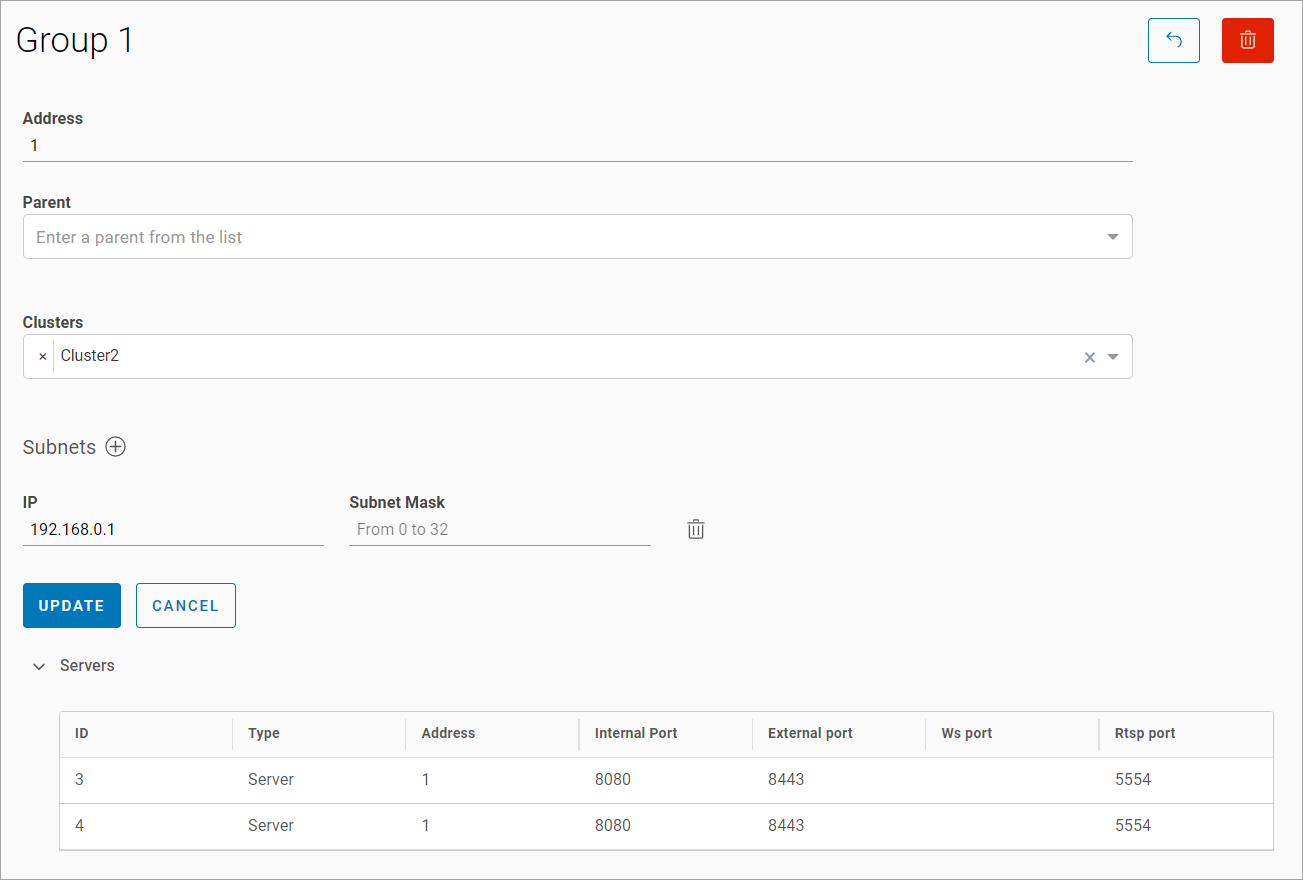
To view or edit a group, select it from the list.
On the opened page, perform actions:
-
Edit:
-
An address
-
A parent
-
Clusters
-
Subnets
-
-
View the servers.
-
Delete a mediaserver group.
To edit the group:
-
Edit the address
-
Change the parent
-
Change the clusters
-
Edit the subnets
-
Select Update.