
The Tags of cameras section features a list of tags. Tags help group cameras and navigate the camera hierarchy when applying configurations.
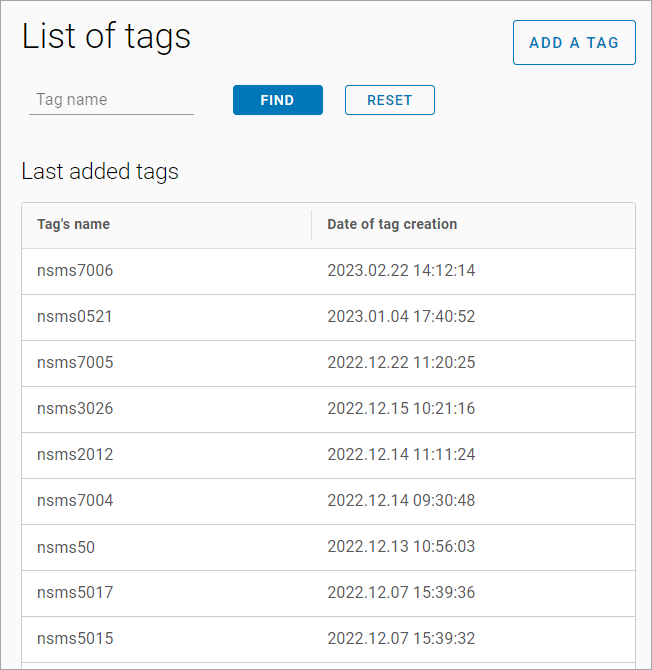
Selecting a tag opens a page with the following options:
-
View the list of cameras with this tag.
-
Change the tag name.
-
Add a camera to the tag.
-
Delete the tag.
To search for a tag, enter the tag name in the search list.
To create a new tag, select the Add a tag button. In the opened window:
-
Enter a new tag name.
-
Add cameras:
-
Select the Add camera to tag button.
-
Use the search field to add cameras. The search is performed by address.
-
-
Select the Create tag button.
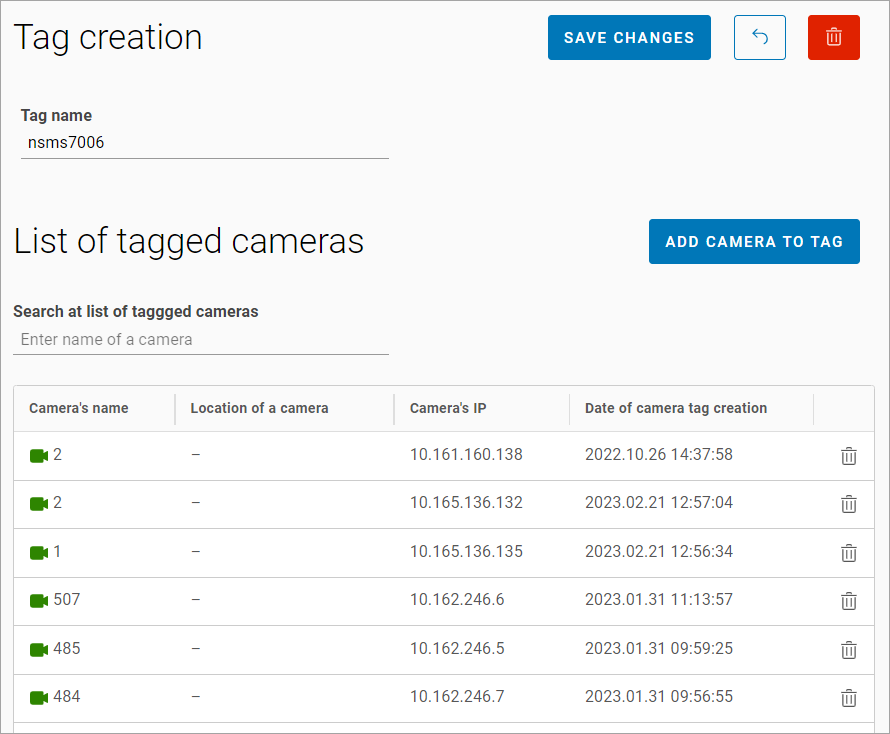
For quick navigation through the camera tree, use tags. Selecting a tag displays a list of cameras associated with that tag.