
To import a configuration template, follow these steps:
-
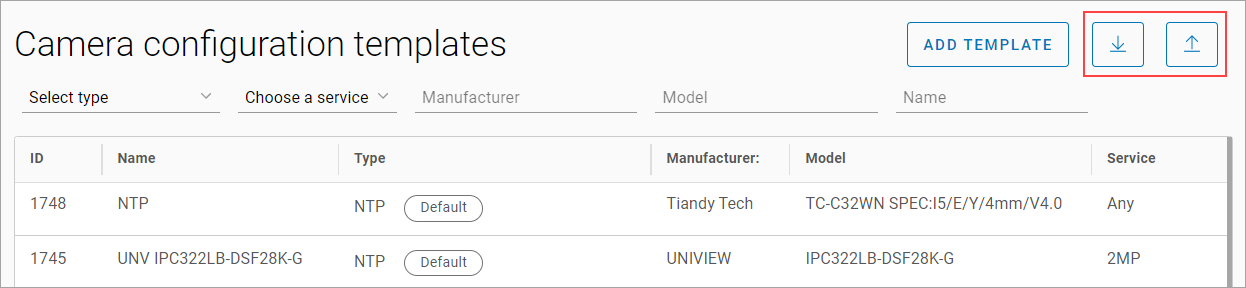
Select the Upload configuration button.
-
In the opened window, select the configuration file.
-
Select Confirm.
To export a configuration template:
-
Select the Download configuration button.
-
To save all available configurations, enable the Download all configurations setting.
-
Select Confirm.
Configurations are saved as .xlsx files.