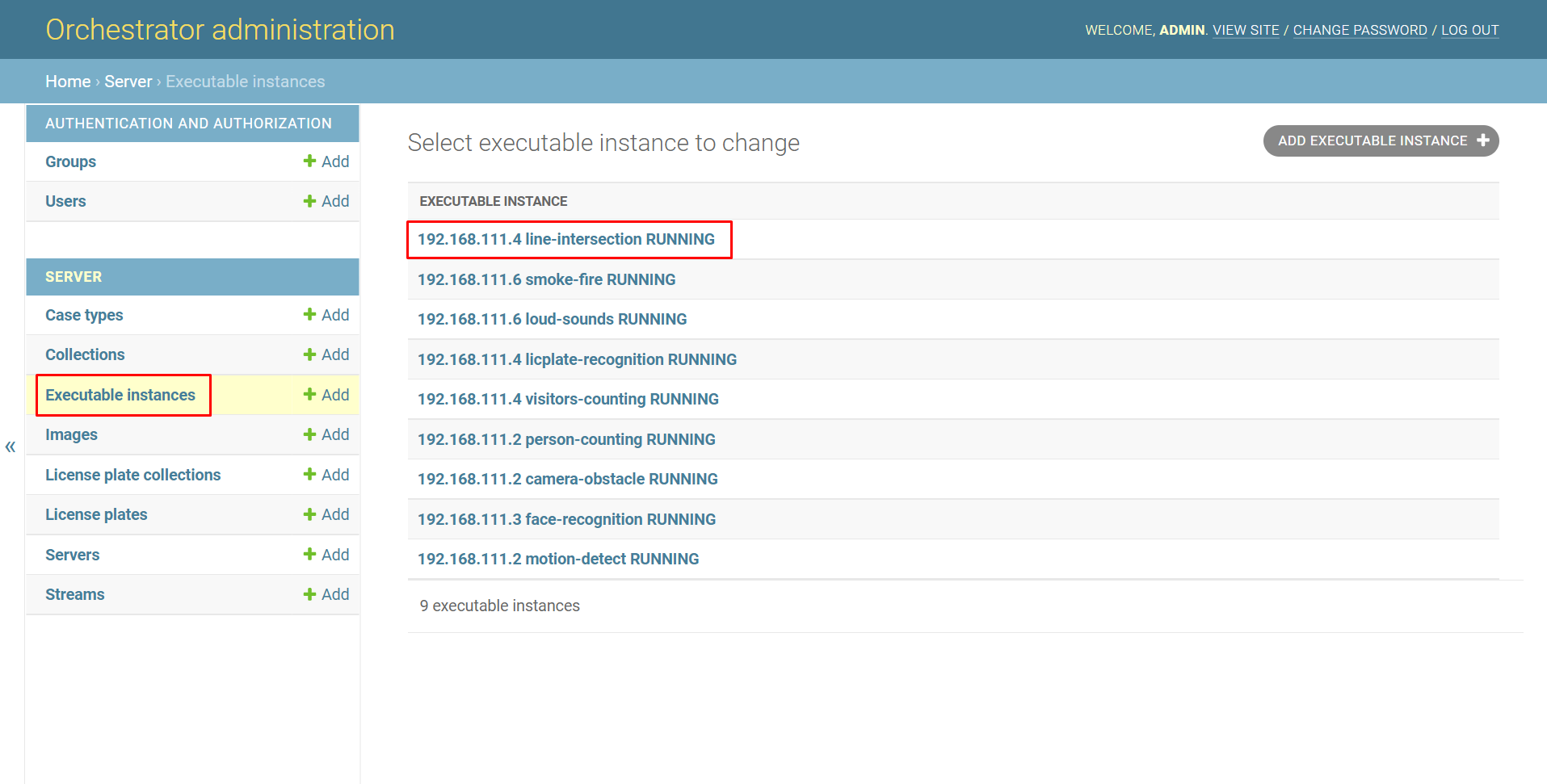
To view information about a specific executable file, open the Executable instances page, select the specific executable file and click on it.
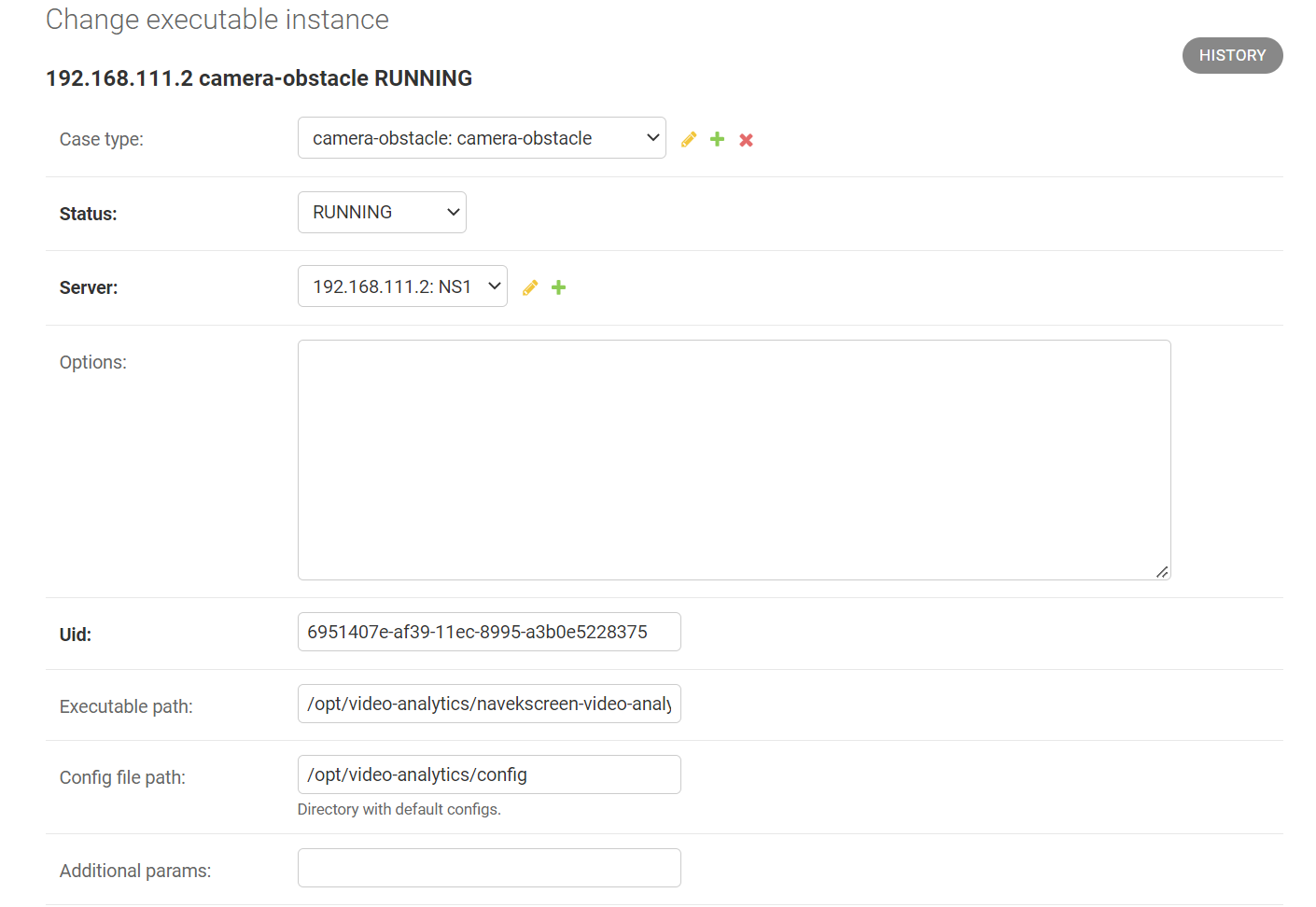
After that, a window will open where you can find the following information:
-
Case type, which type of analytics the executable file processes.
-
Status, the status of the executable file:
-
Not created, the executable file is not created (an example of using this status is when, after sending a command to create an executable file to the orchestrator client, the orchestrator, for some reason, could not start it).
-
Created, the executable file is created.
-
Running, the executable file is running.
-
Stopped, the executable file is stopped.
-
Deleted, the executable file is deleted.
-
-
Server, which server the executable file belongs to.
-
Options, additional options for running the executable file (by default, the field is empty).
-
Uid, Uid of the executable file.
-
Executable path, the path to the executable file.
-
Config file path, the path to the folder with configuration files.
-
Additional params, additional parameters for running the executable file.