
The Translation section allows you to customize the text labels for various system objects.
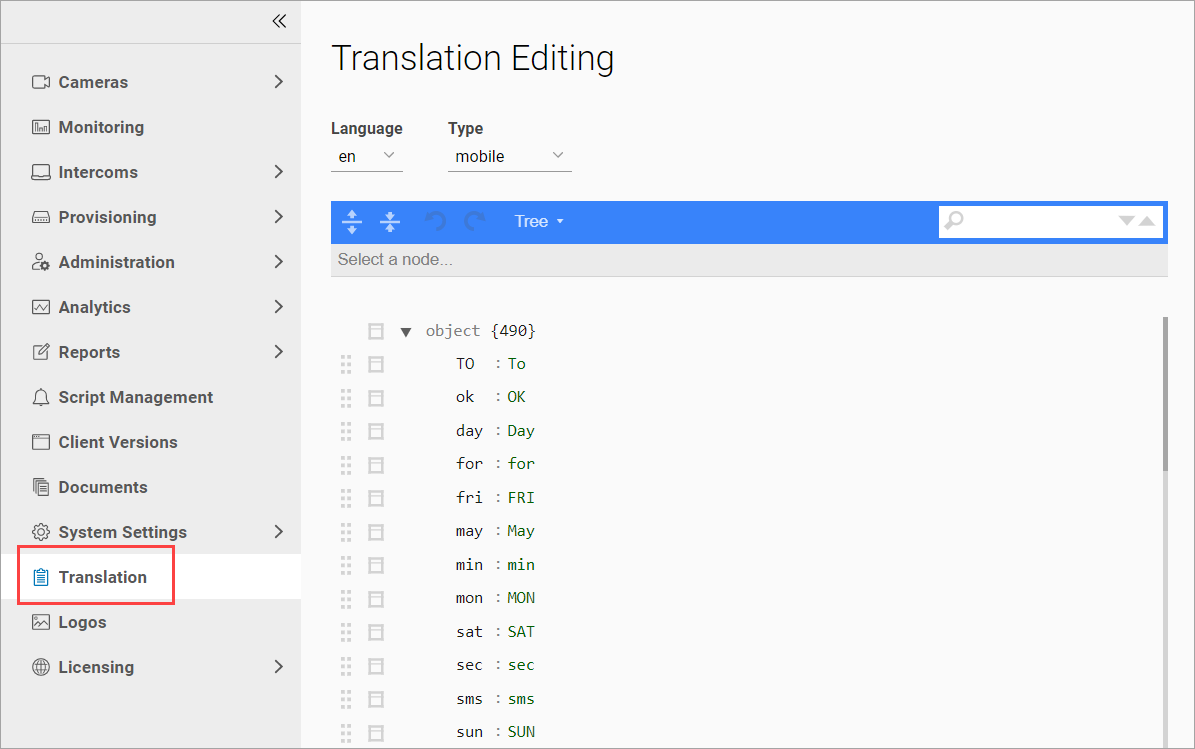
In the section, you can perform the following actions:
-
Select a relevant language for translations.
-
Select a type of translation.
-
Search:
-
Navigate through search results – next and previous.
-
-
Modify the display of translations:
-
Edit display type.
-
Modify the display for all fields.
-
Undo/Redo: cancel the last action and then redo that same action if it was undone.
-
Change the number of translations displayed per page.
-
-
Edit translation.