Method 1. Deleting a specific case type through the editing window
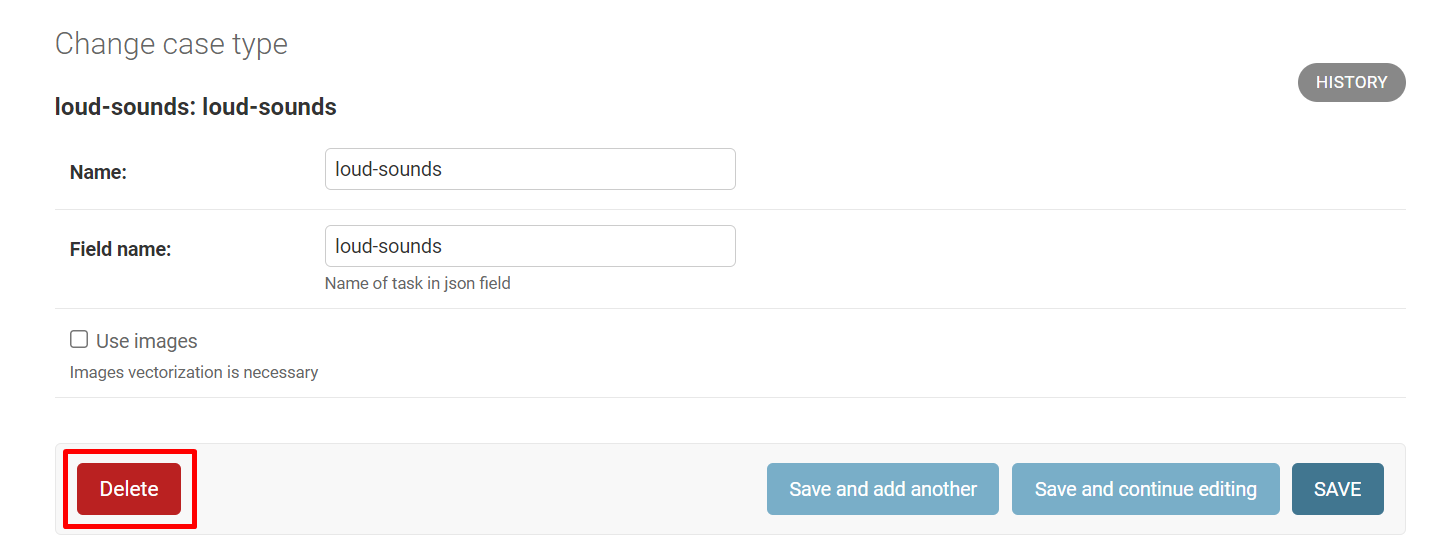
To delete a case type, go to the Case types section, click on the desired case type, and click Delete.
Method 2. Deleting one or several case types
Step 1. Select the action from the dropdown list:
-
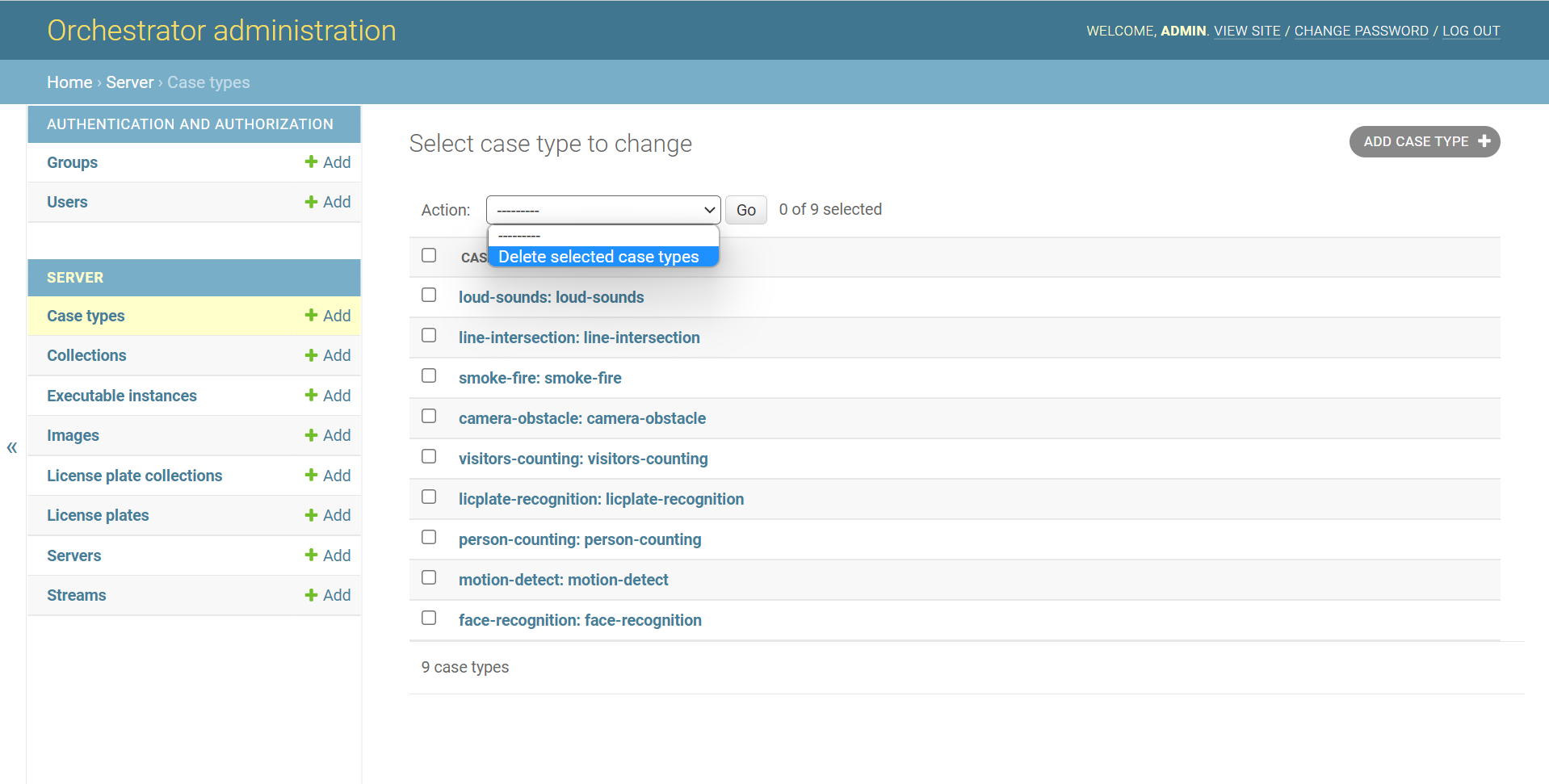
Open the Case types page.
-
Click on the dropdown list.
-
Select Delete selected case types.
Step 2. Delete the selected case types:
-
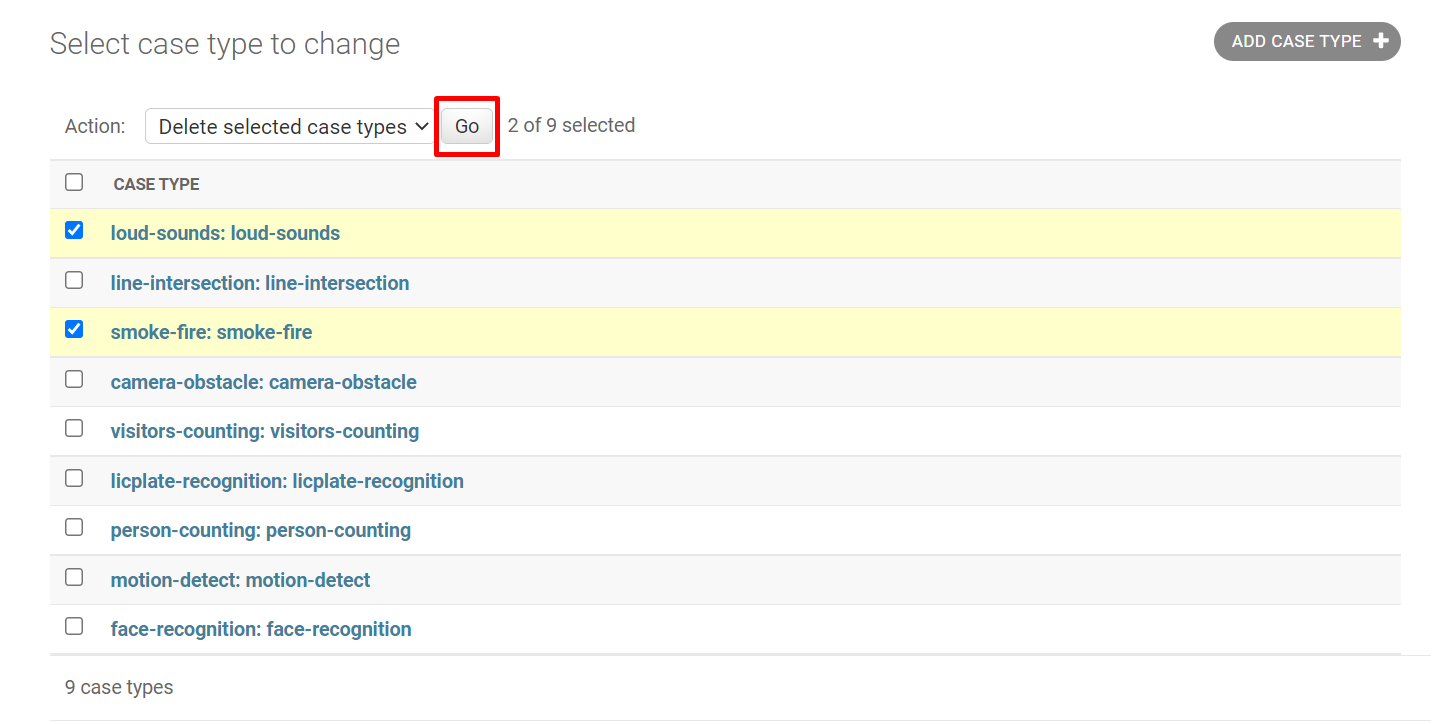
Check the checkbox to the left of the case type name. If necessary, mark several case types this way.
-
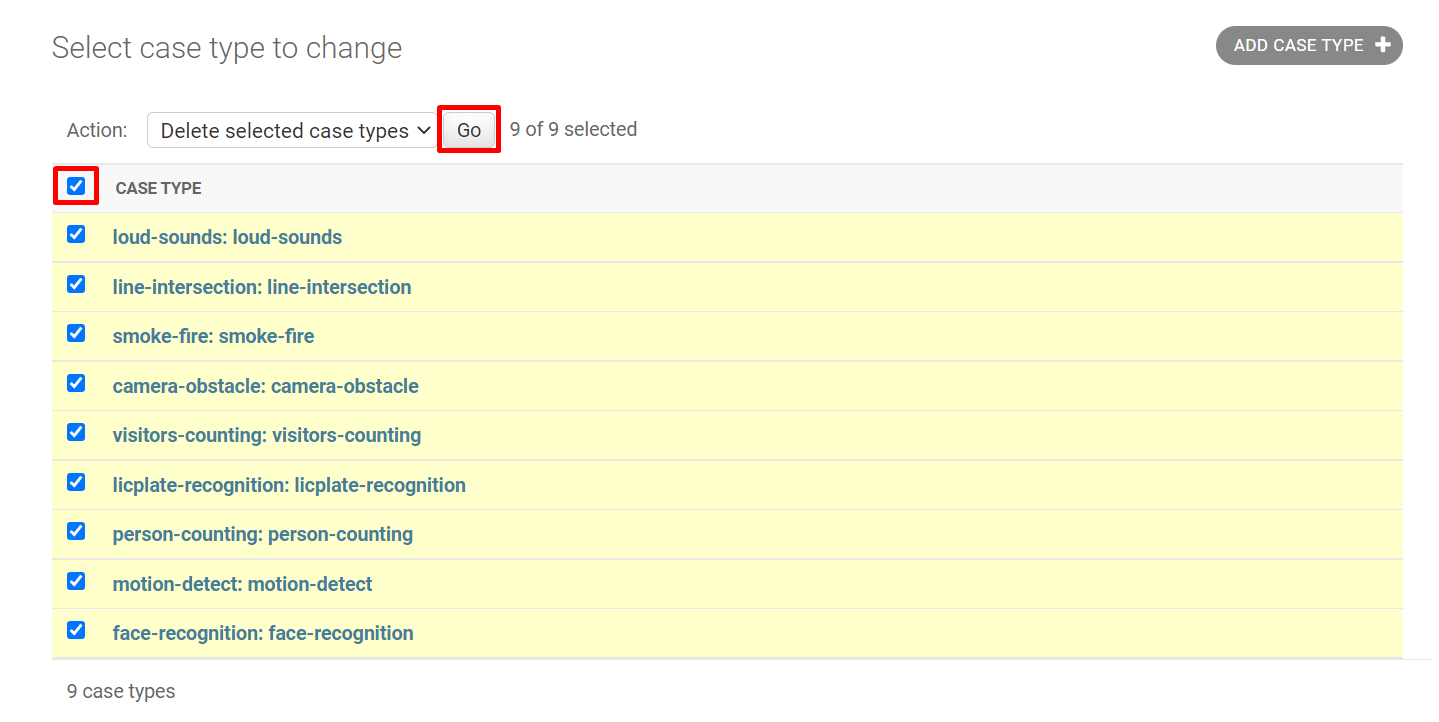
If you need to delete all case types, click on the checkbox to the left of Case type.
-
-
Click Go.