
Translation editing can be performed from within three different views for items:
-
Code
-
Text
-
Tree
The default display type is Tree.
To change a display type, refer to the Object list view management page.
Tree
To edit a translation or an object, select an item, and modify it by entering a relevant value. The item will be highlighted in yellow.
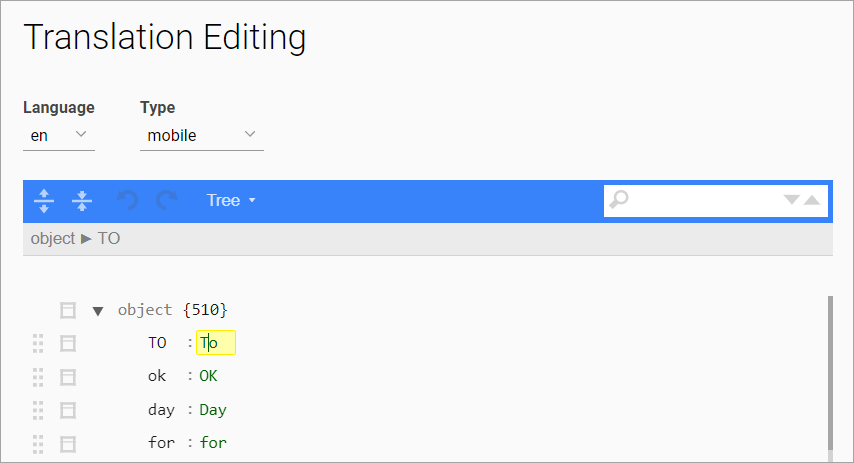
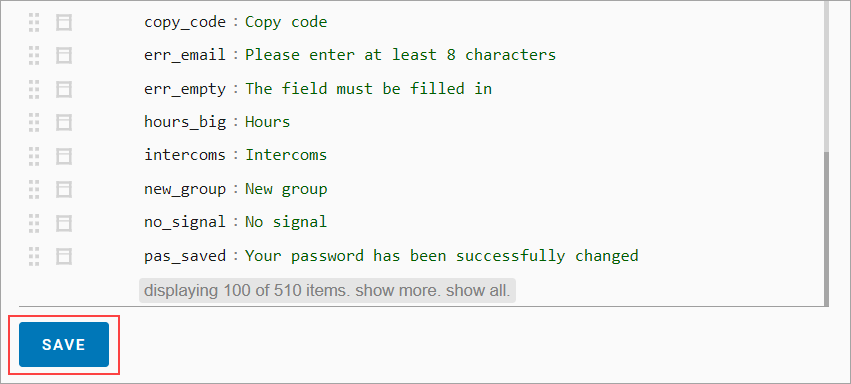
To save the changes, select Save at the end of the item list.
Code
In Code view, the entire line is available for editing. It is highlighted in yellow.
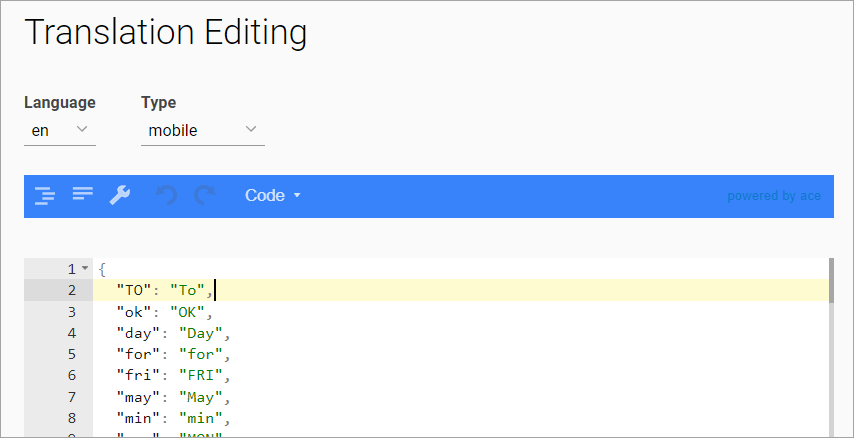
To save the changes, select Save at the end of the item list.
Text
In Text view, the entire text is available for editing.
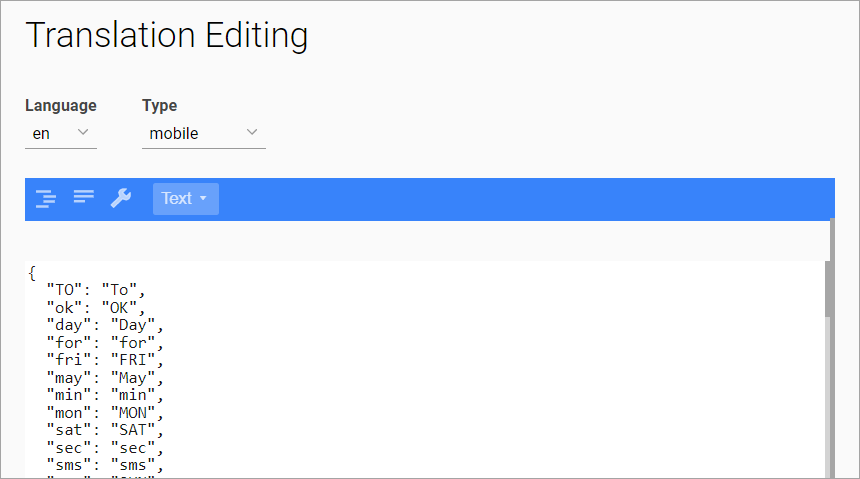
To save the changes, select Save at the end of the item list.