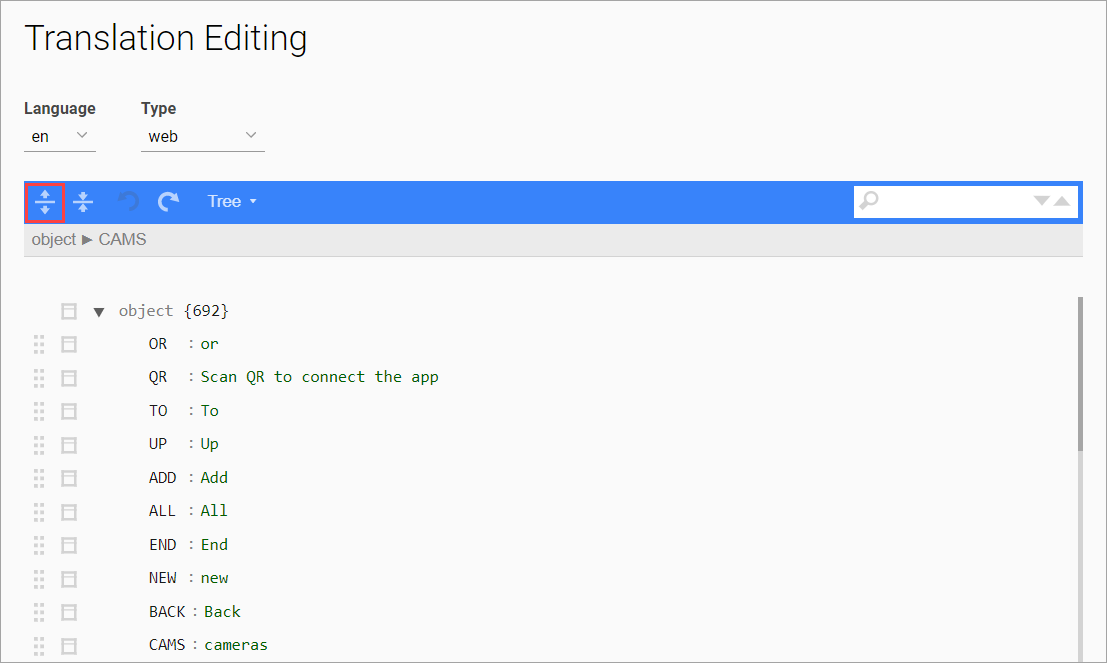
To expand the list of objects, select the Expand all fields button.
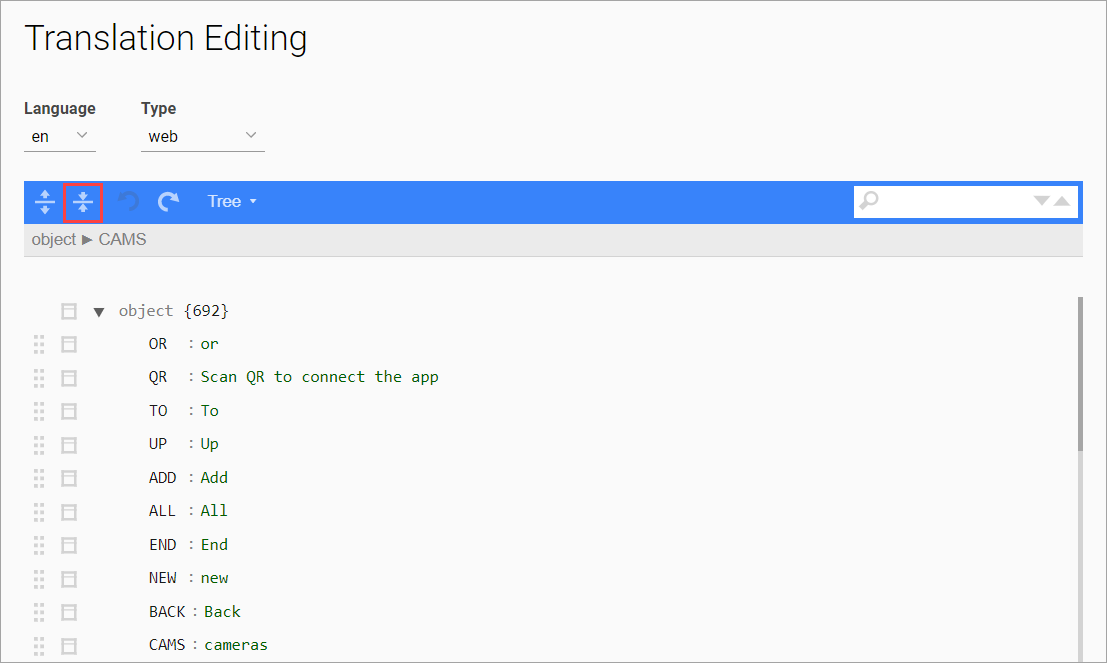
To collapse the list, select the Collapse all fields button.
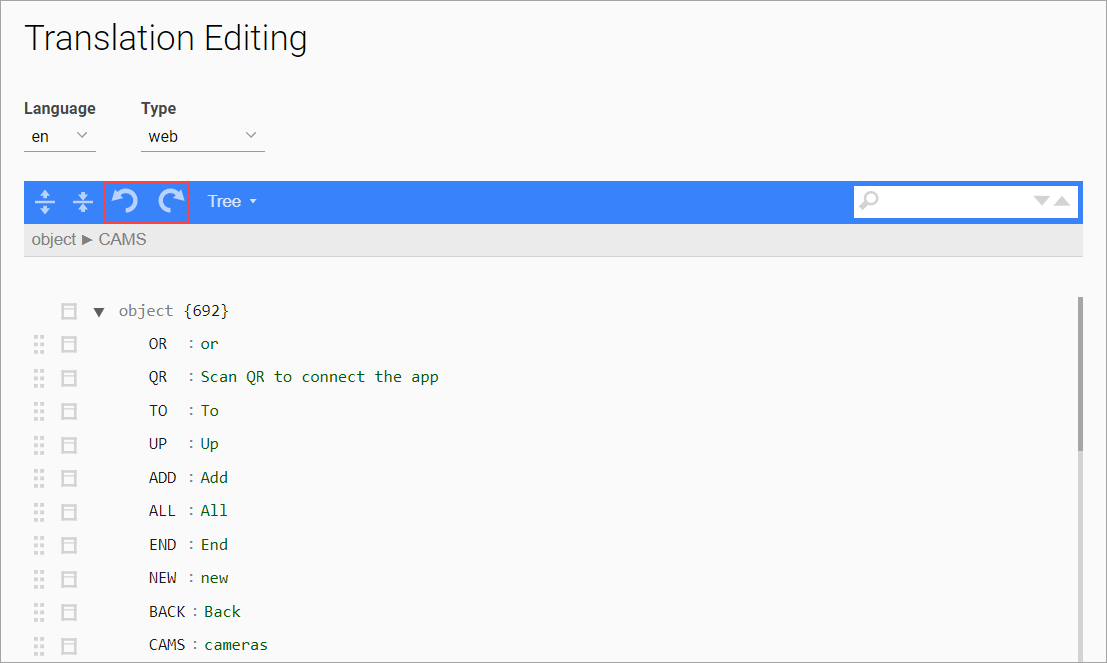
To undo the last action or redo it after undoing, use the corresponding buttons.
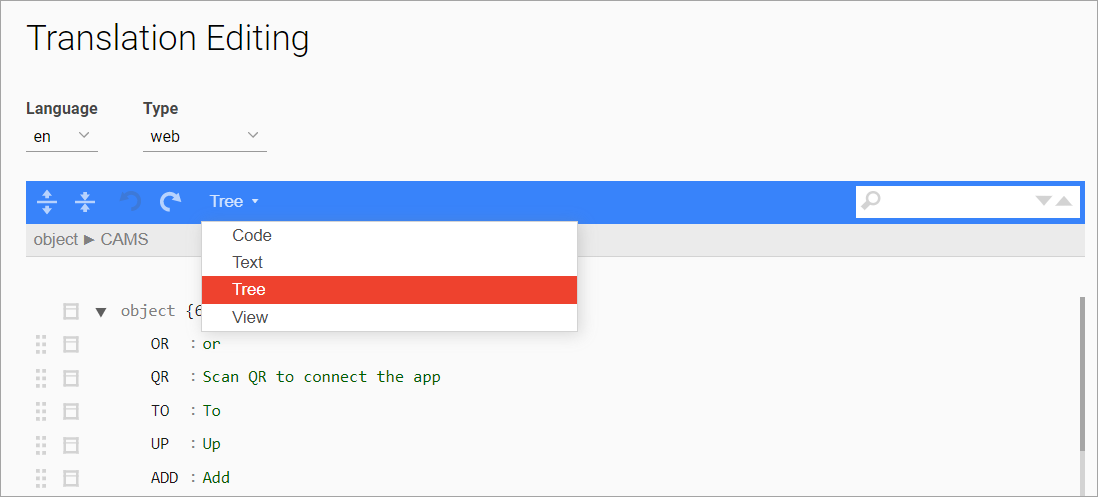
To change the display type, select Tree, and choose a relevant type from the drop-down list:
-
Code
-
Text
-
Tree
-
View
-
The currently selected display type is highlighted in red.
-
The default display type is set to Tree.
For the View display type, translation editing isn’t available.
For the Code and Text display types, search isn’t available.
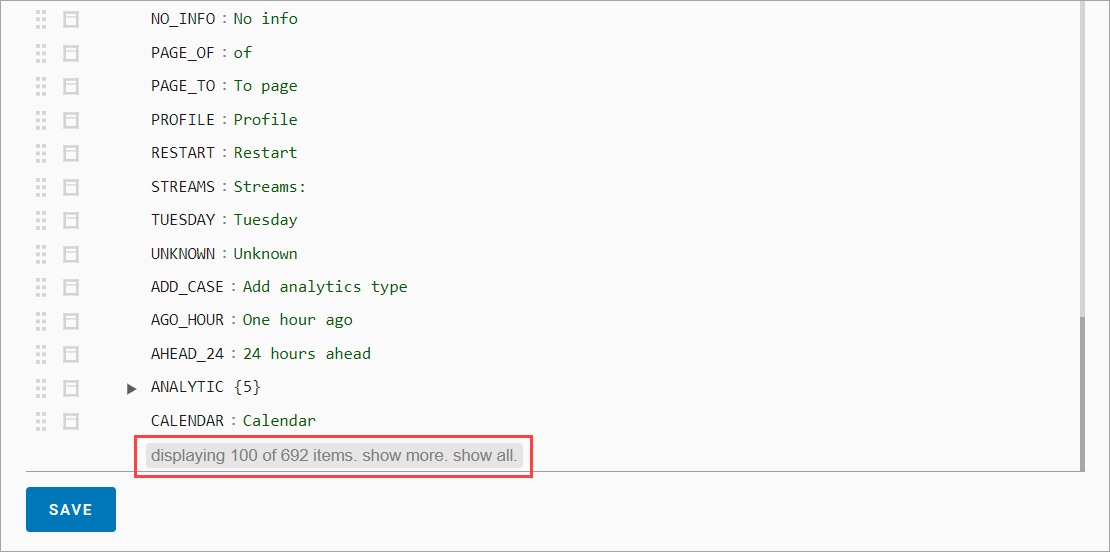
To change the number of displayed fields, the following buttons are available:
-
show more: to extend the list of displayed fields by 100 items.
-
show all: to display the entire list of items.
The number of displayed items and the total count are shown at the page bottom to the left of the mentioned buttons.