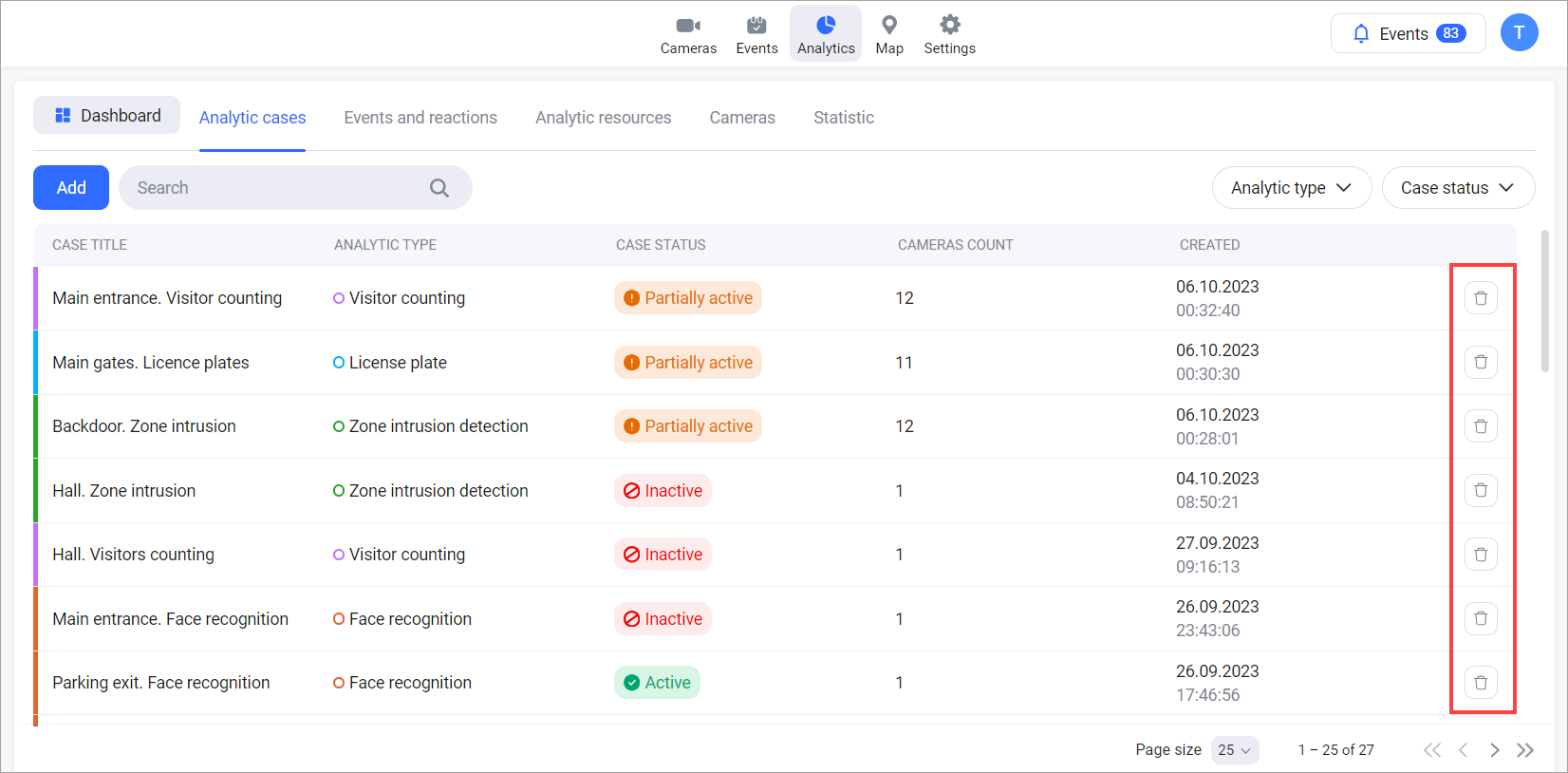
To delete an analytics case, select the Delete button of a relevant case.
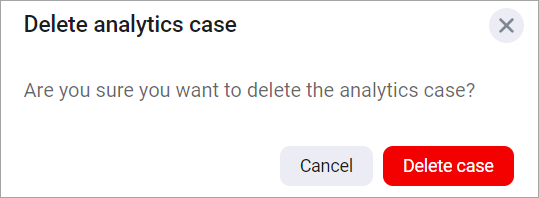
Then, confirm the action.
If a camera stream used in a case is removed, the case will also be automatically deleted.
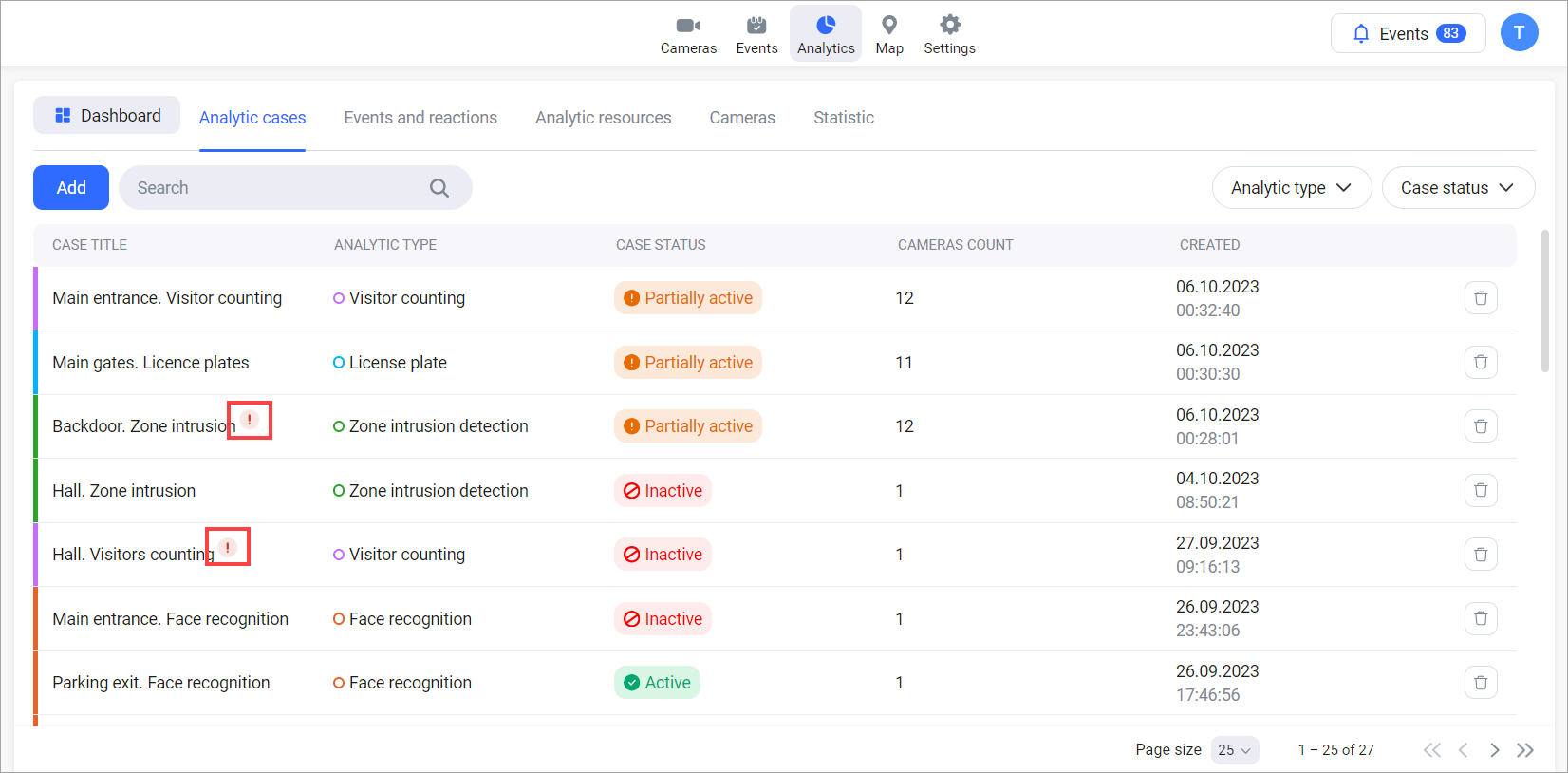
If there’s an error that prevents even one of the specified cameras from being deleted, the entire case deletion process will not be carried out. An icon will appear in the case list to show that there was an error in deleting a camera. This icon will remain visible until the case list is refreshed.