
This feature lets you quickly leave a review and rate the app on popular app marketplaces (Google Play, App Store). Your ratings and comments are incredibly valuable – they help us understand what you like, identify areas for improvement, and ultimately develop and enhance our service to better meet your needs.
The app could prompt you to leave a review during use, especially after you've completed an action or have been using it for a while.
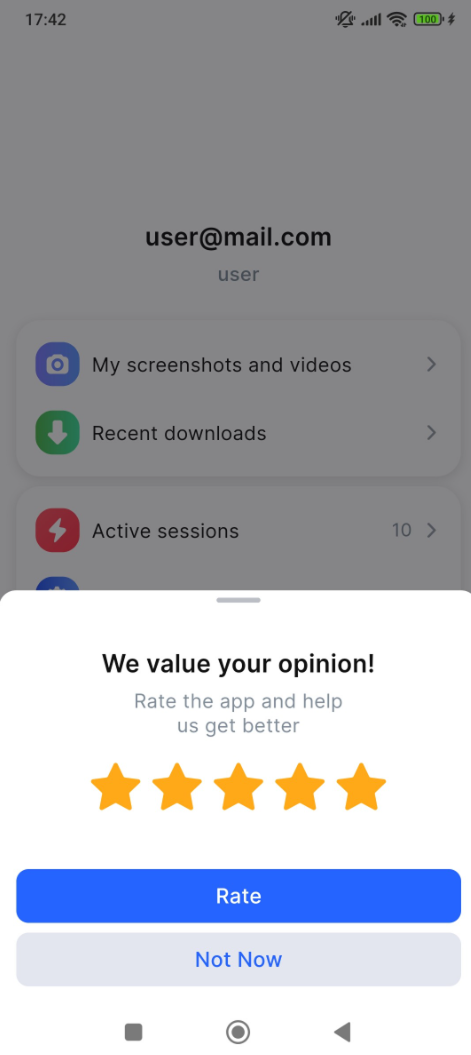
To rate the app and share your comments, follow the steps:
-
On the Other tab, tap Rate the app.
-
On the bottom sheet, rate the app:
-
Choose the number of stars (from 1 to 5).
-
Tap the Rate button. If you'd prefer to do it later, select Not now.
-
-
After tapping, a new screen will appear with a Go to marketplace button. Tap it to open the app page in the marketplace. To cancel, tap Cancel.
-
On the app’s page, select your rating and write a short comment or suggestion if you’d like.
-
Tap Publish to submit your review.