
You can manage your profiles from the authorization page. The following actions are available:
-
Add a profile.
-
Edit a profile.
-
Delete a profile.
To manage a profile, follow the steps:
-
On the authorization page, select the Settings button.
.png?cb=6fa1d40ff1c34bfc333a3e02165f7260)
-
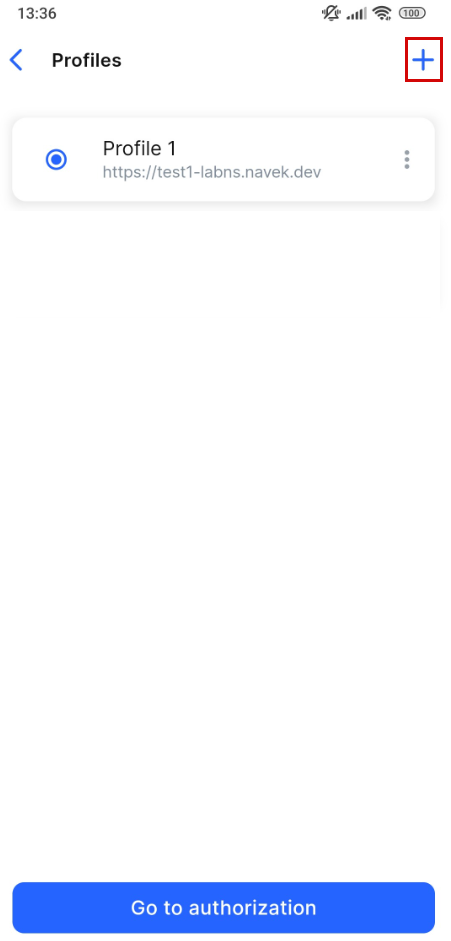
On the opened Profiles page, perform necessary actions:
-
To add a new profile, select the plus icon and complete the fields in the opened tab. The detailed description of a profile creation, see on the Add a profile documentation page.
-
To edit a profile, select a relevant profile and choose the context menu icon (⋮). From the open menu, select Edit profile. Introduce changes and select Save.
-
To edit a profile, select a relevant profile and choose the context menu icon (⋮). From the open menu, select Delete profile. Confirm the action by selecting Delete. To cancel the action, select Cancel. You can also delete a profile while editing it.