
The Cameras tab of the Analytics section lists cameras associated with analytics cases.
.png?cb=099af068d5494a809228115984d0f62b)
The table includes:
-
A camera name. Selecting the title opens a player in Live mode.
-
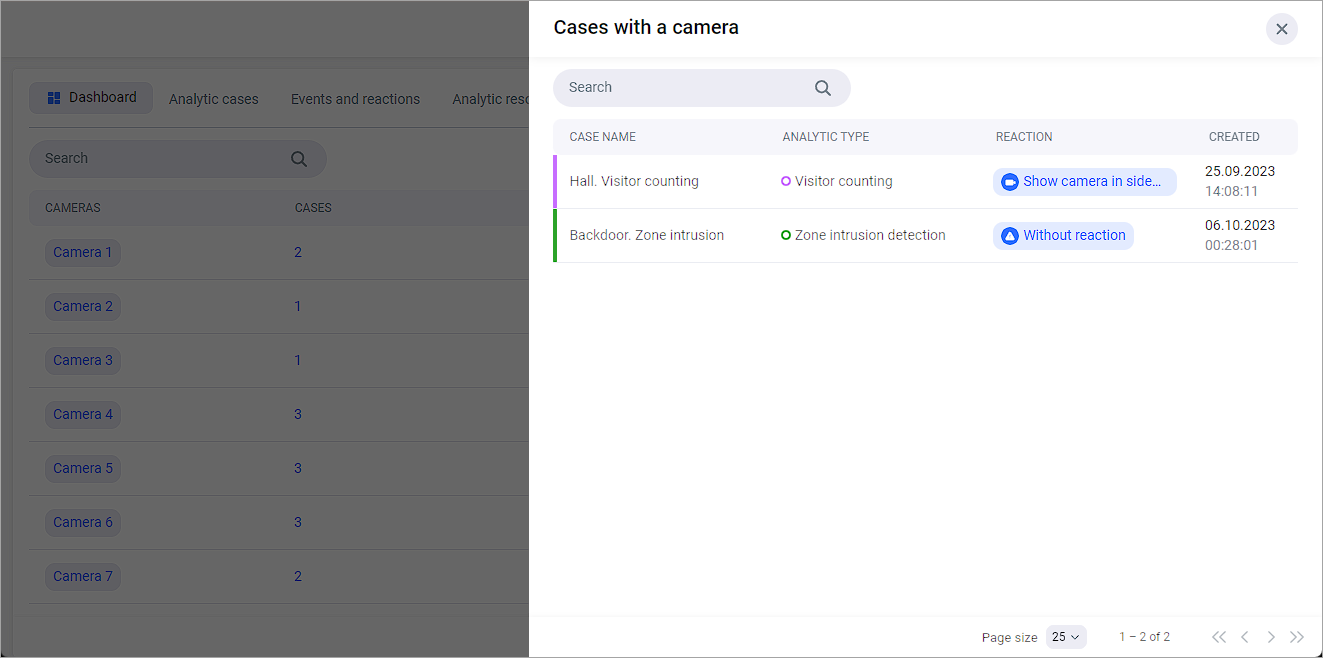
The number of cases in which the camera is used. Selecting a number opens a list of cases. The list enables searching for analytics cases by name.
-
The number of analytics types the camera is associated with.
-
The camera status.
-
The number of reactions.
You can filter the list by analytics type and camera status.