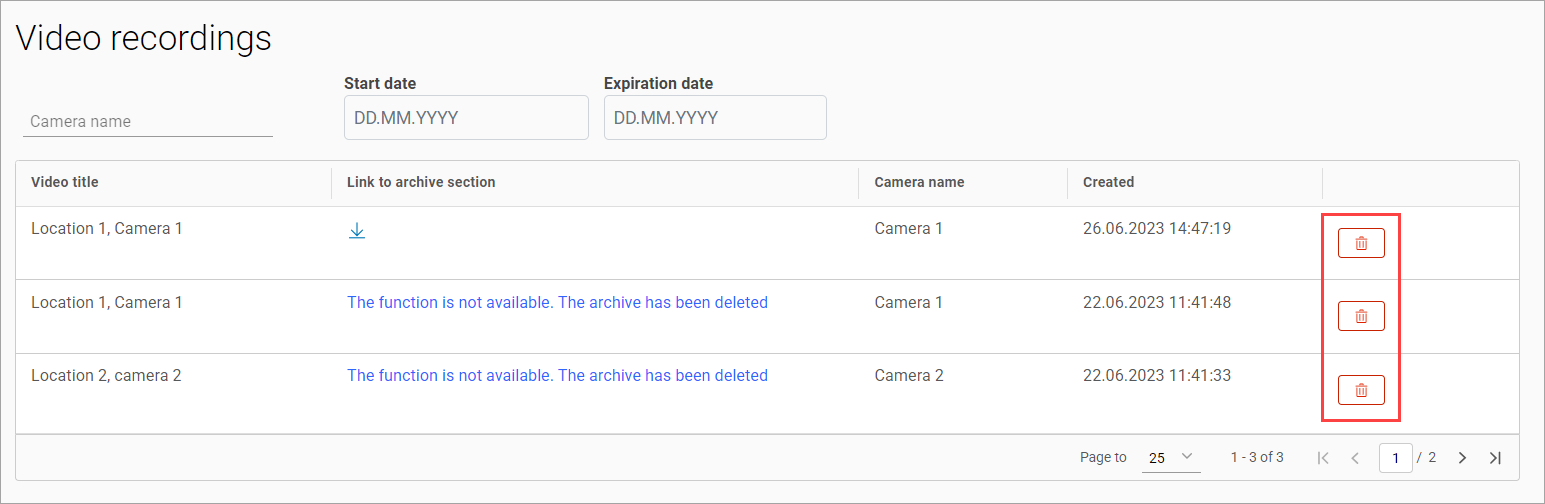
The Archive video > Video recordings section is designed to display all sections of the archive downloaded by users.

you can search by camera name.

You can filter by date the archive was generated.

An archived video title includes a camera address and a camera name.
To download the file, select the Download icon under the Link to archive section column.
Files are stored for 240 minutes from the moment of generation. Subsequent to this period, they are subject to automatic deletion. Additionally, to manage storage capacity effectively, the system is designed to automatically remove the five oldest archives once storage exceeds 80%.
To delete an entry, select the delete button and confirm the action.